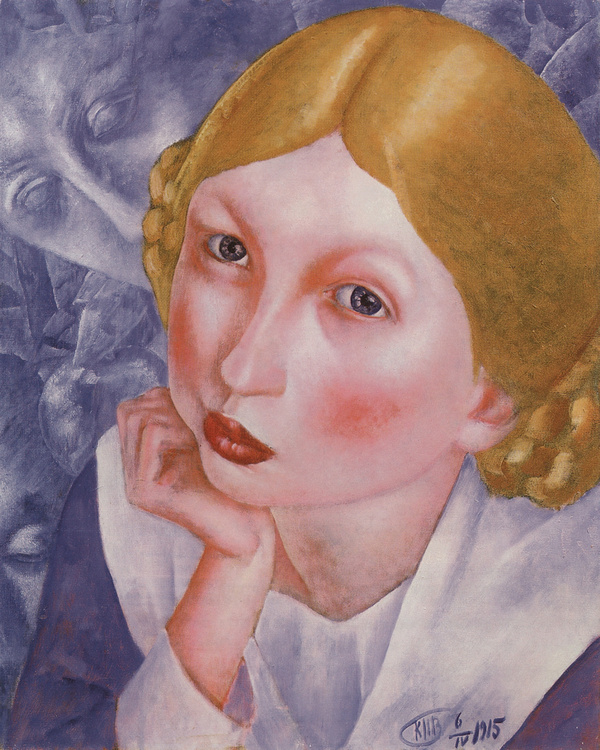
The goal of the project is to explore the capabilities of generative neural networks to create a series of images in the style of Petrov-Vodkin’s paintings and to apply this style to create portraits of various ages.
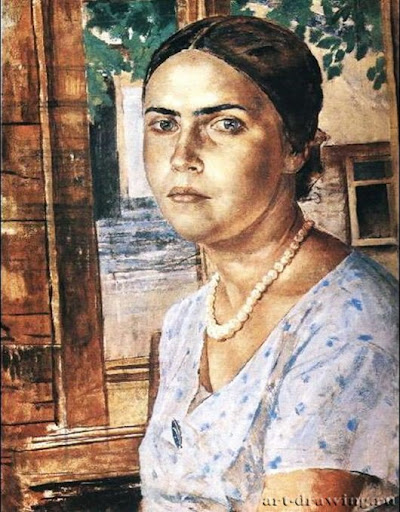
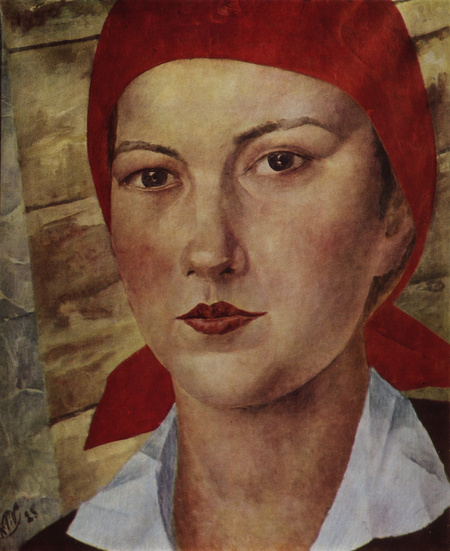
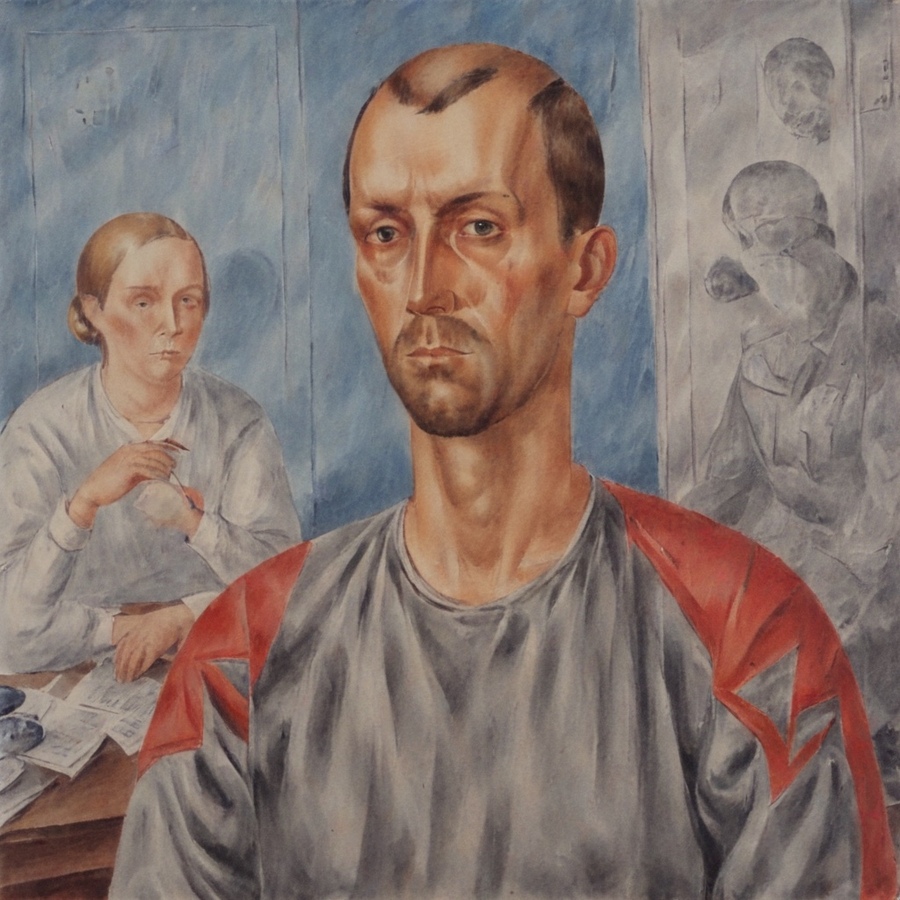
Paintings by Petrov-Vodkin
Kuzma Petrov-Vodkin’s style in his portraits features a vibrant color palette, yet the models are depicted with accentuated psychological depth, their gaze directed toward the artist himself. His manner of painting blends elements of realism and symbolism, creating a feeling of a nature that is simultaneously real and slightly unreal.
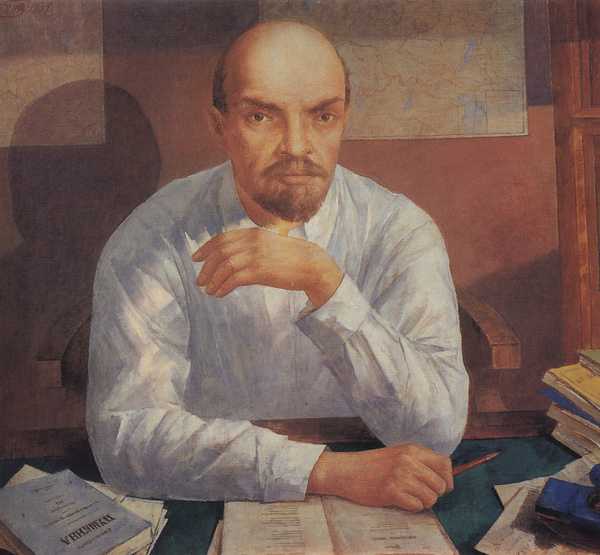
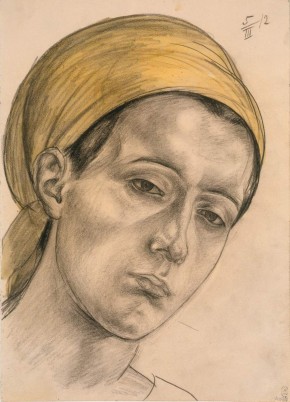
Petrov-Vodkin’s paintings
The project creates a version of Stable Diffusion trained on paintings by Petrov-Vodkin, capable of generating images in his style using a limited set of source images (dataset: 52 paintings) and efficient adaptation methods (LoRA).
Neural Network Training
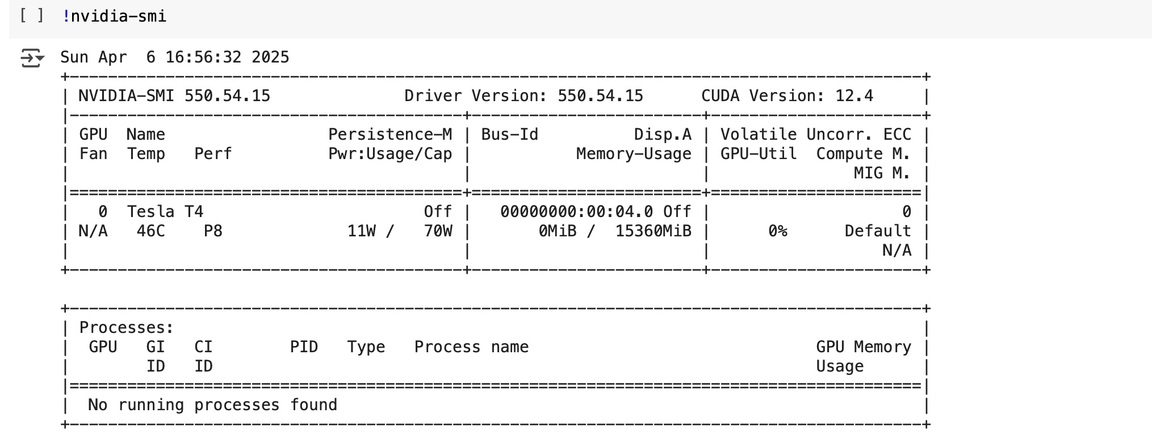
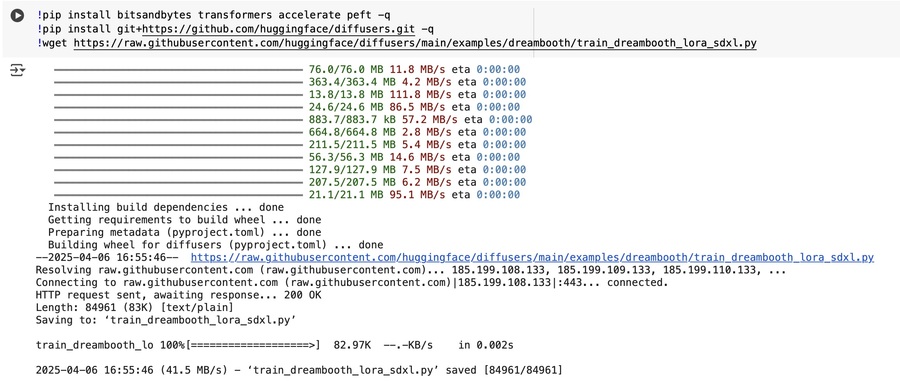
First, I checked GPU availability using nvidia-smi, and then I installed the necessary libraries: bitsandbytes (for model quantization), transformers (for text and image processing), diffusers (for working with diffusion models), peft (for parameter-efficient fine-tuning, including LoRA), and a script for training Dreambooth-LoRA from the Hugging Face repository.
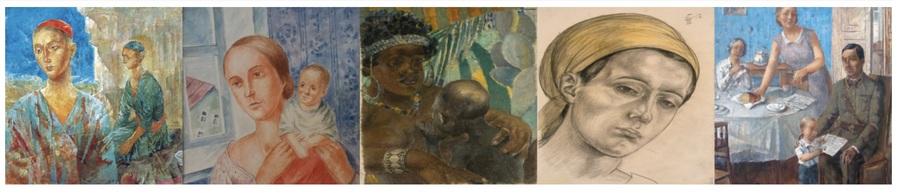
I compiled a dataset of Petrov-Vodkin paintings: 52 objects, uploaded them to Google Colab in a separate directory, applying the resize method to format the images to 1:1, and reviewed the first 5 images.
Generated image captions using the BLIP model: each caption in the image titles is prefixed with «portrait in the style of Petrov-Vodkin.» I saved the metadata (file paths and captions) in metadata.jsonl (verifying the code execution).
Advanced Training
I utilized the Dreambooth-LoRA technique to fine-tune Stable Diffusion. I am using the following base models:
Also: stabilityai/stable-diffusion-xl-base-1.0 VAE madebyollin/sdxl-vae-fp16-fix
Key training parameters: Resolution: 512×512 Batch size: 2 Learning rate: 1e-4 Number of steps: 500 8-bit Adam (memory optimization) FP16
I launched the training using accelerate.
Saving the resulting model and its publication
Saved the model on Hugging Face using upload_folder. A model card with metadata was created using save_model_card.
Image Generation
After training, saving, and publishing—I uploaded the trained LoRA model.
I used the DiffusionPipeline to generate images based on the prompt: «portrait in the style of Petrov-Vodkin.» Generation settings: 25 steps, FP16.
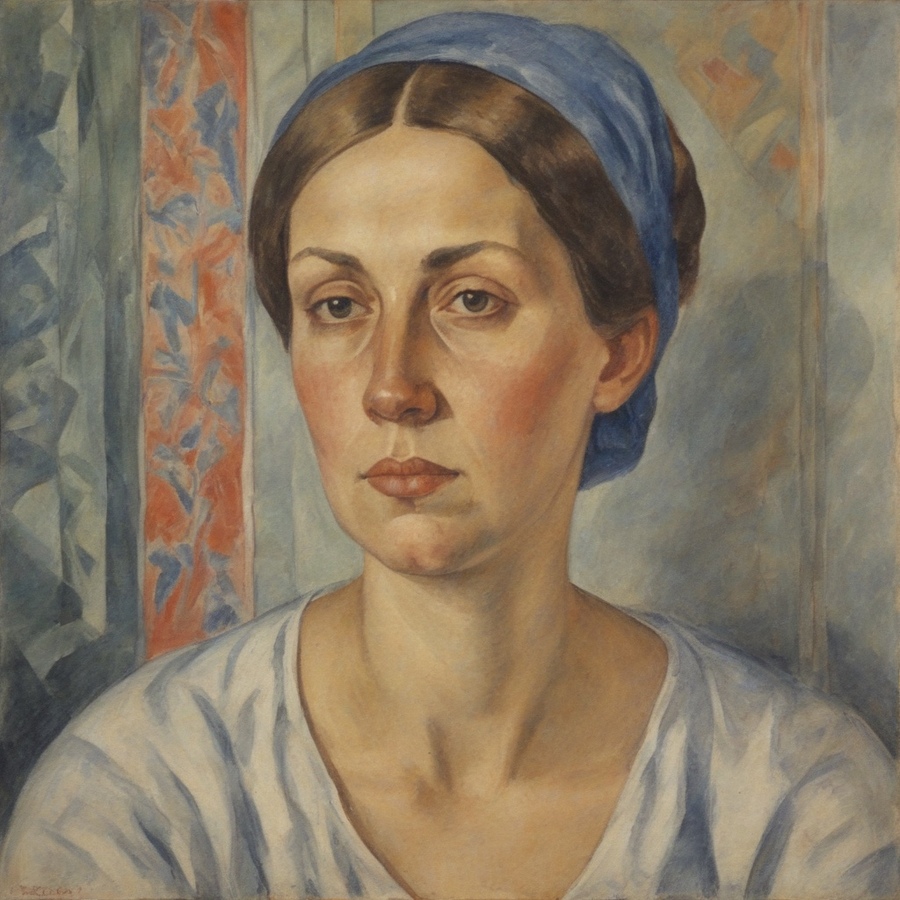
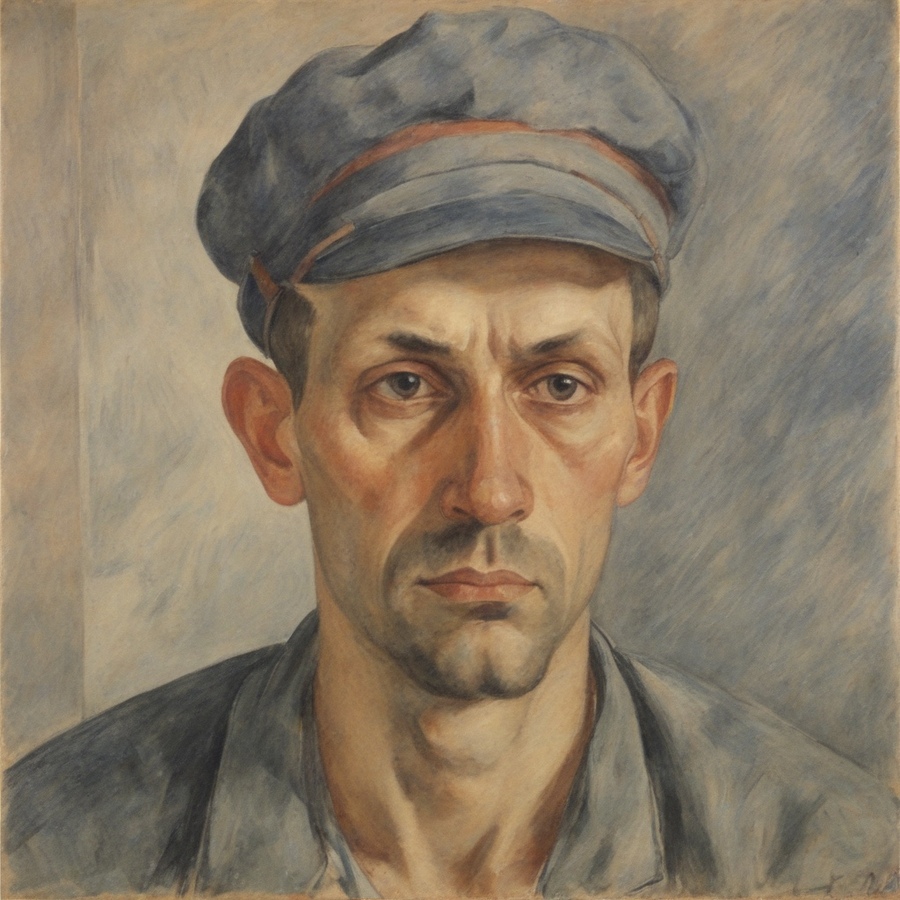
generation result
Image generation result using the trained model
In my project, I set a goal to create portraits of different age groups, so I used various prompts for this purpose.
Generation result
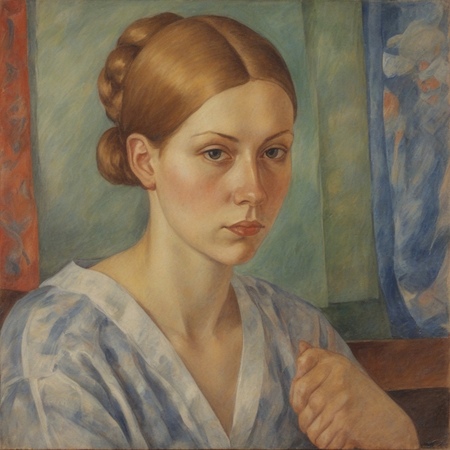
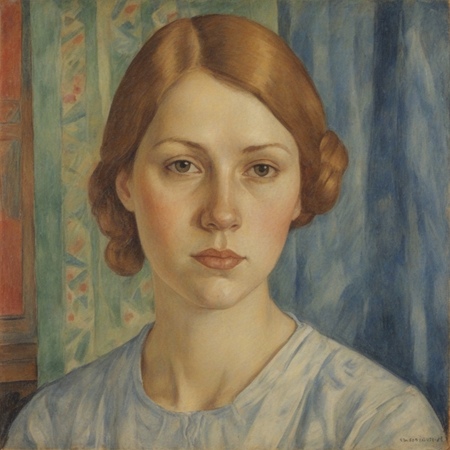
Generation result
Generation result
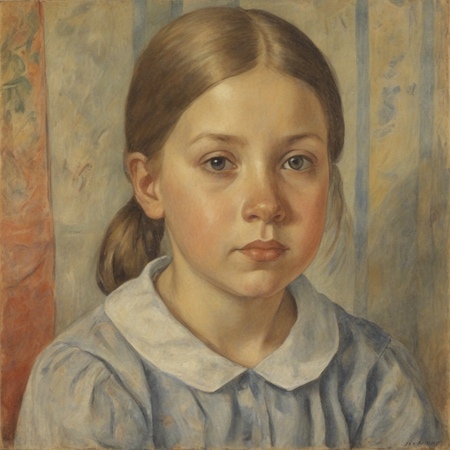
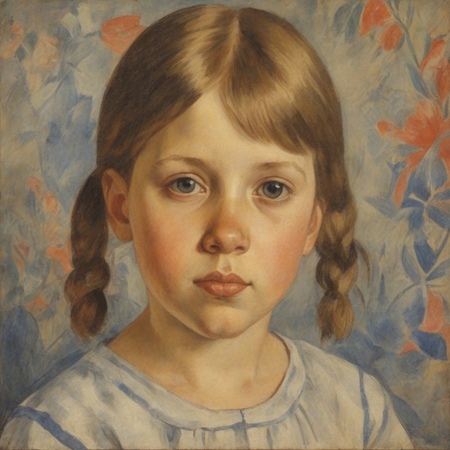
generation result