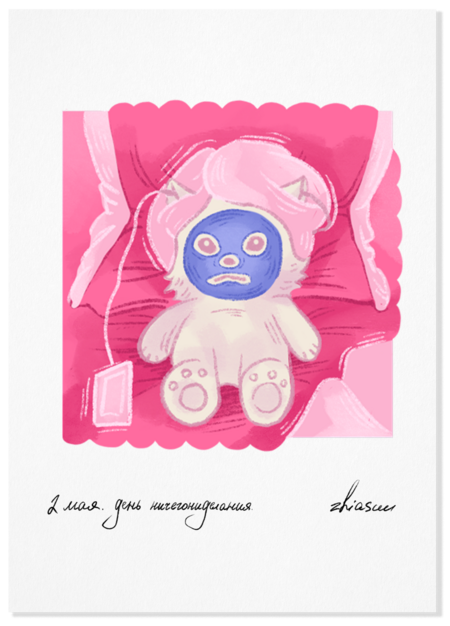
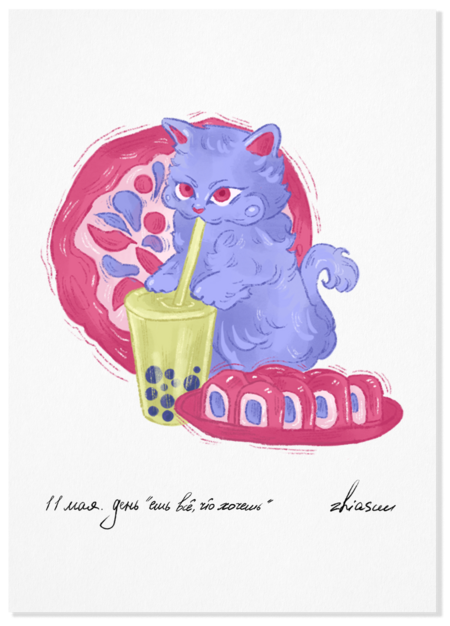
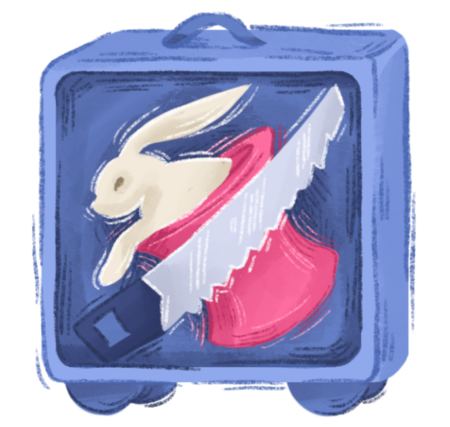
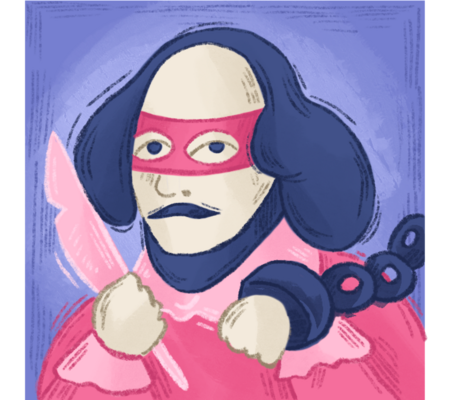
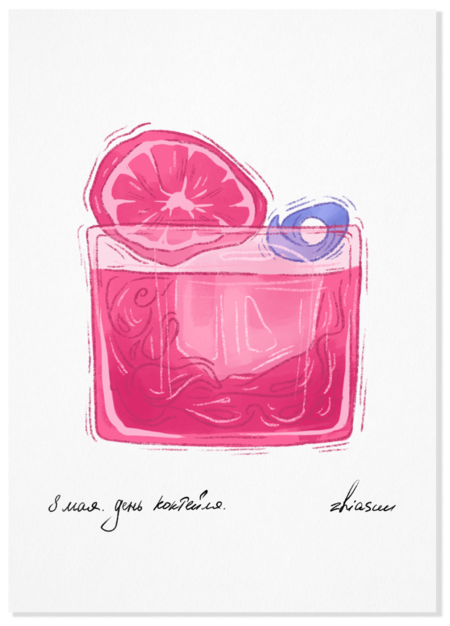
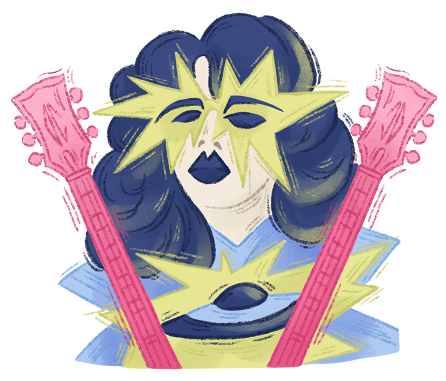
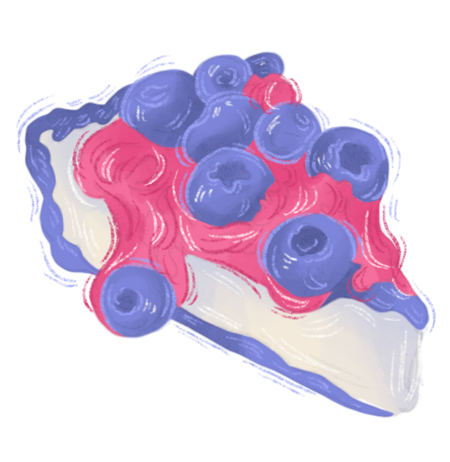
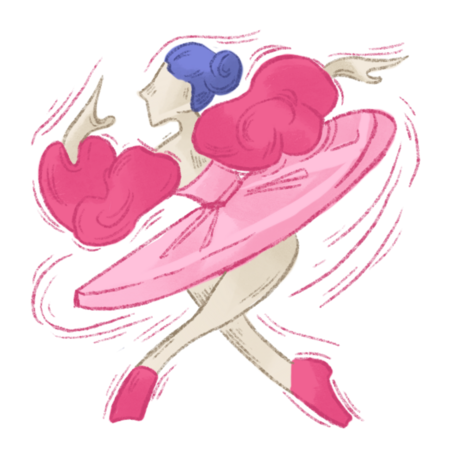
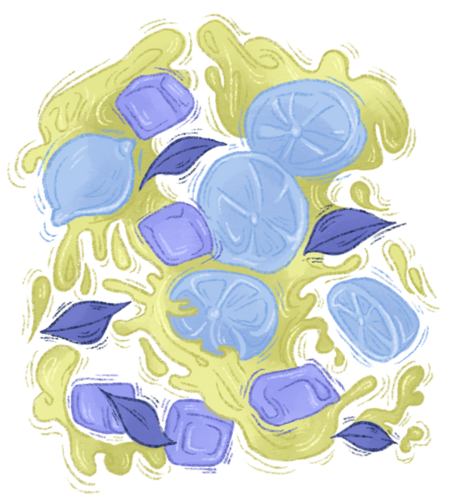
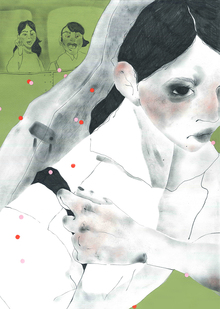
Серия из 22 иллюстраций, встроенных в календарь и последовательно распределённых по его структуре. Каждая работа посвящена одному из шуточных или неофициальных дней года и может существовать как самостоятельная открытка.
Даты распределены между студентами случайным образом, каждый работает со своим интервалом. Главная задача проекта — поддержать серийность, находя лёгкую и точную метафорическую интонацию для каждого образа.
zhiasuu
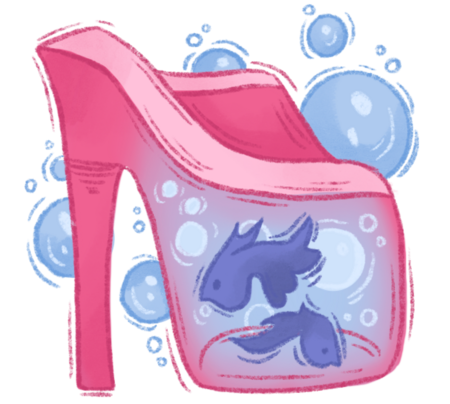
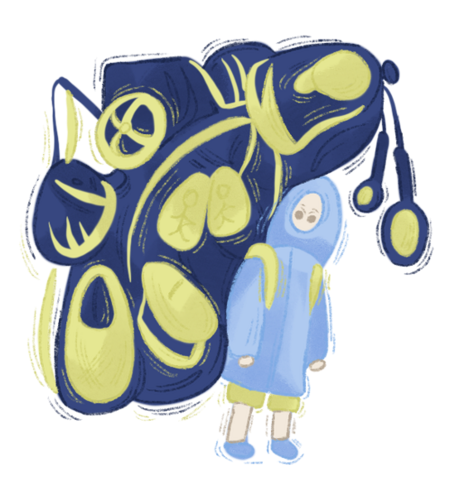
21 апреля. День чемоданов. 22 апреля. День Земли.
23 апреля. День рождения Уильяма Шекспира. 24 апреля. День моды.
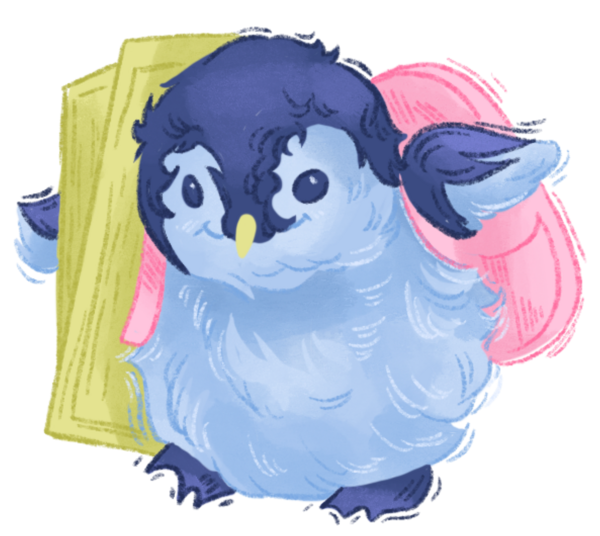
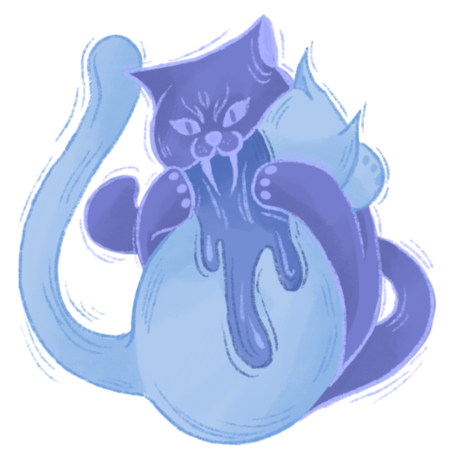
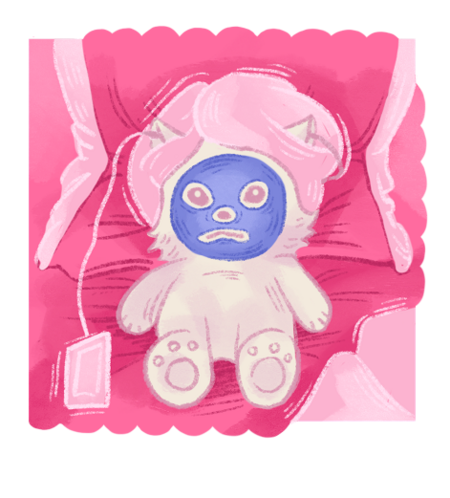
25 апреля. День пингвинов. 26 апреля. День «обними друга».
zhiasuu
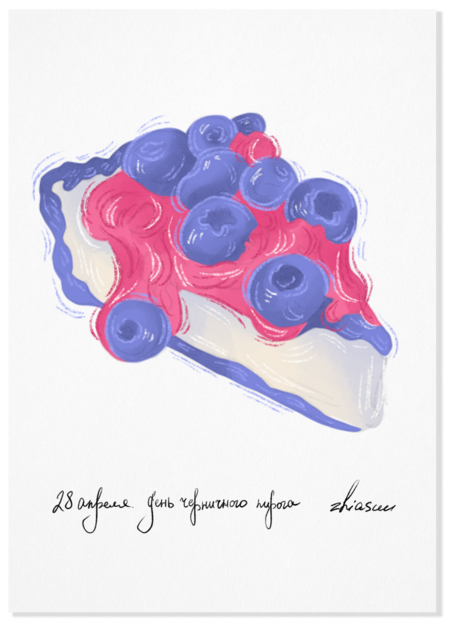
27 апреля. День рождения Эйс Фрейли. 28 апреля. День черничного пирога.
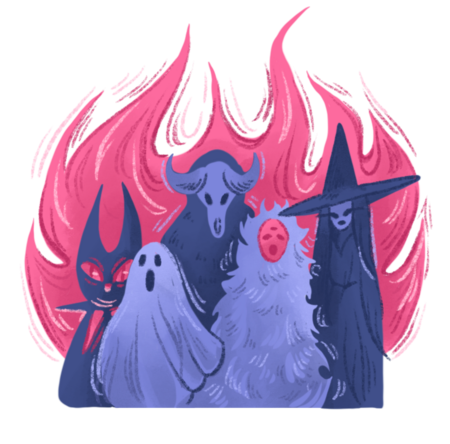
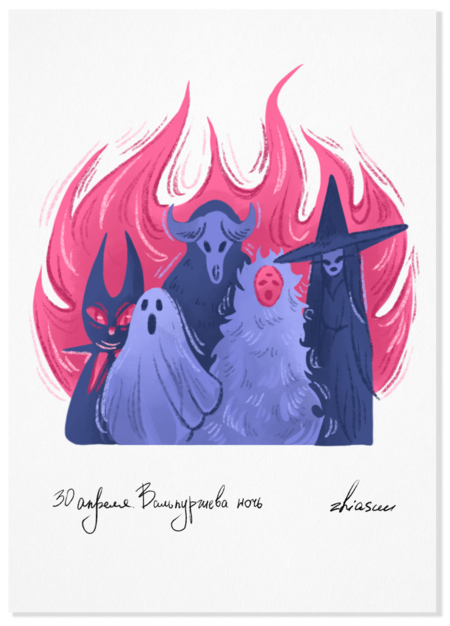
29 апреля. День танца. 30 апреля. Вальпургиева ночь.
1 мая. День ландыша. 2 мая. День ничегонеделания.
zhiasuu
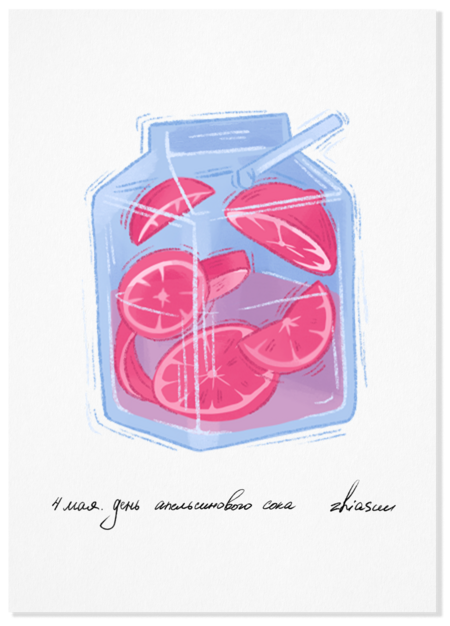
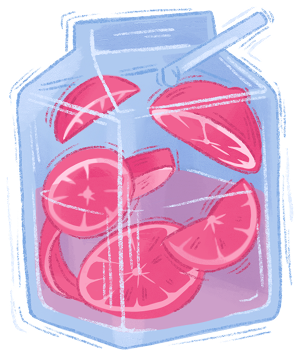
3 мая. День садового медитирования. 4 мая. День апельсинового сока.
5 мая. День рождения Адель. 6 мая. День туриста.
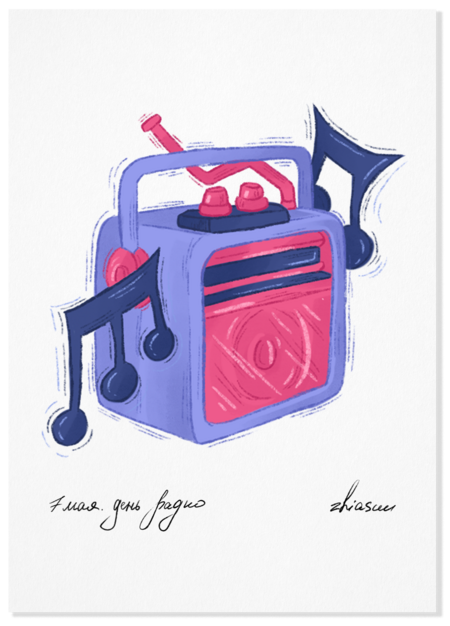
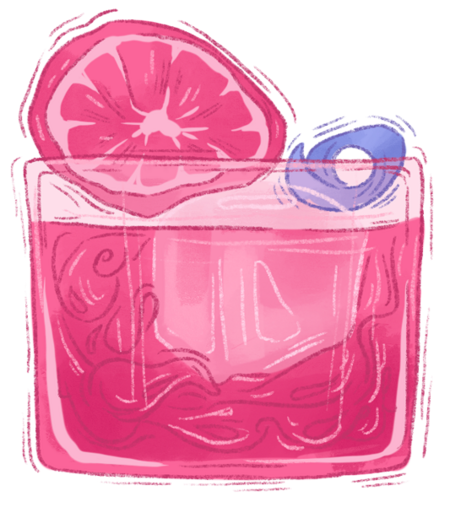
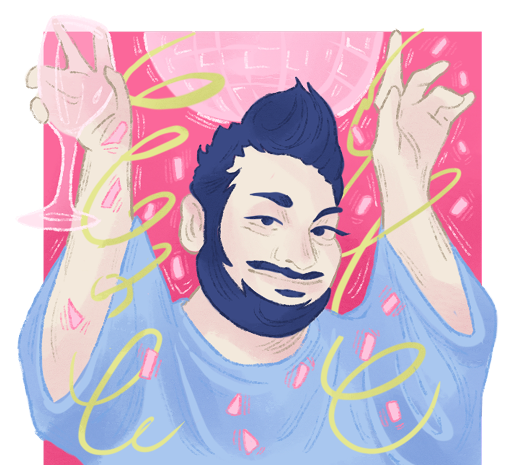
7 мая. День радио. 8 мая. День коктейля.
zhiasuu
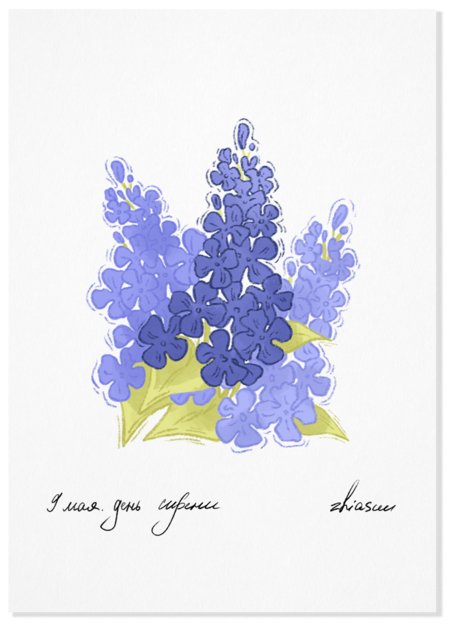
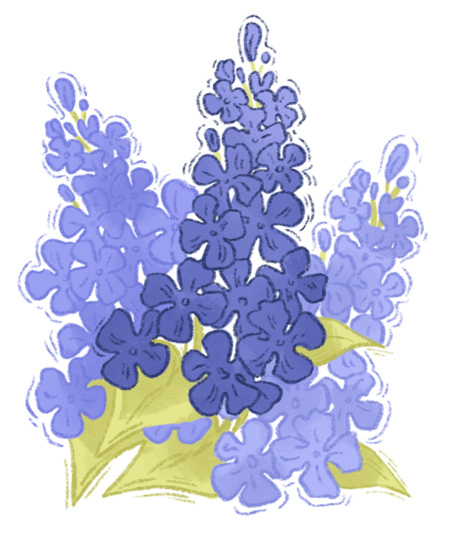
9 мая. День сирени. 10 мая. День рождения Сергея Жукова.
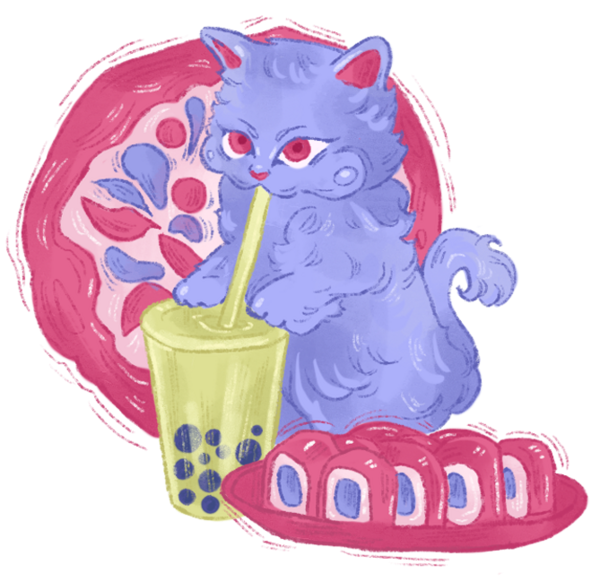
11 мая. День «ешь всё, что хочешь». 12 мая. День лимонада.
Мы используем файлы cookies для улучшения работы сайта НИУ ВШЭ и большего удобства его использования. Более подробную...
Показать больше
Press space bar to start a drag.
When dragging you can use the arrow keys to move the item around and escape to cancel.
Some screen readers may require you to be in focus mode or to use your pass through key
Press space bar to start a drag.
When dragging you can use the arrow keys to move the item around and escape to cancel.
Some screen readers may require you to be in focus mode or to use your pass through key
Press space bar to start a drag.
When dragging you can use the arrow keys to move the item around and escape to cancel.
Some screen readers may require you to be in focus mode or to use your pass through key
Press space bar to start a drag.
When dragging you can use the arrow keys to move the item around and escape to cancel.
Some screen readers may require you to be in focus mode or to use your pass through key
Press space bar to start a drag.
When dragging you can use the arrow keys to move the item around and escape to cancel.
Some screen readers may require you to be in focus mode or to use your pass through key
Press space bar to start a drag.
When dragging you can use the arrow keys to move the item around and escape to cancel.
Some screen readers may require you to be in focus mode or to use your pass through key
Press space bar to start a drag.
When dragging you can use the arrow keys to move the item around and escape to cancel.
Some screen readers may require you to be in focus mode or to use your pass through key
Press space bar to start a drag.
When dragging you can use the arrow keys to move the item around and escape to cancel.
Some screen readers may require you to be in focus mode or to use your pass through key
Press space bar to start a drag.
When dragging you can use the arrow keys to move the item around and escape to cancel.
Some screen readers may require you to be in focus mode or to use your pass through key
Press space bar to start a drag.
When dragging you can use the arrow keys to move the item around and escape to cancel.
Some screen readers may require you to be in focus mode or to use your pass through key
Press space bar to start a drag.
When dragging you can use the arrow keys to move the item around and escape to cancel.
Some screen readers may require you to be in focus mode or to use your pass through key
Press space bar to start a drag.
When dragging you can use the arrow keys to move the item around and escape to cancel.
Some screen readers may require you to be in focus mode or to use your pass through key
Press space bar to start a drag.
When dragging you can use the arrow keys to move the item around and escape to cancel.
Some screen readers may require you to be in focus mode or to use your pass through key
Press space bar to start a drag.
When dragging you can use the arrow keys to move the item around and escape to cancel.
Some screen readers may require you to be in focus mode or to use your pass through key
Press space bar to start a drag.
When dragging you can use the arrow keys to move the item around and escape to cancel.
Some screen readers may require you to be in focus mode or to use your pass through key