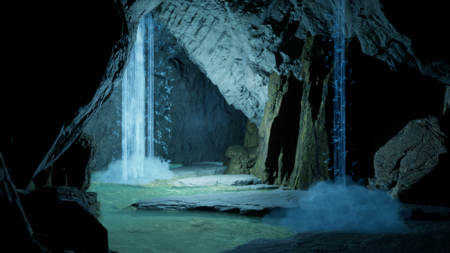
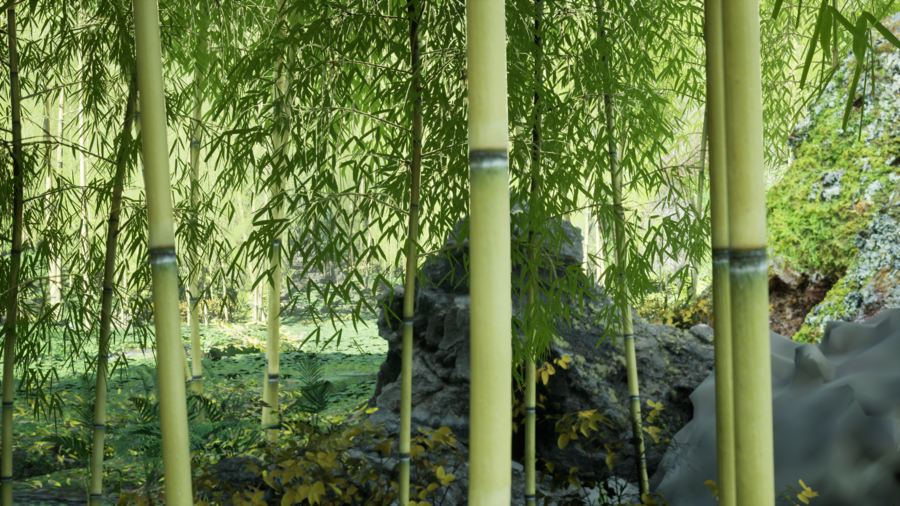
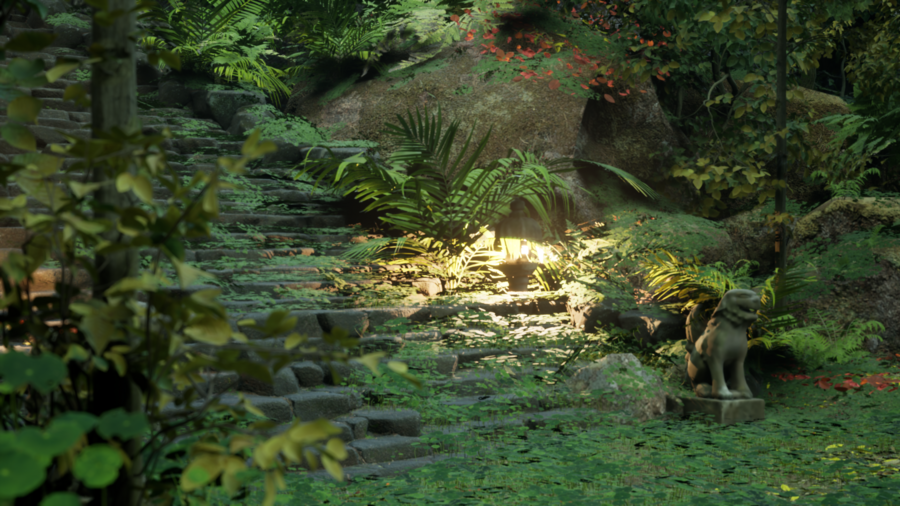
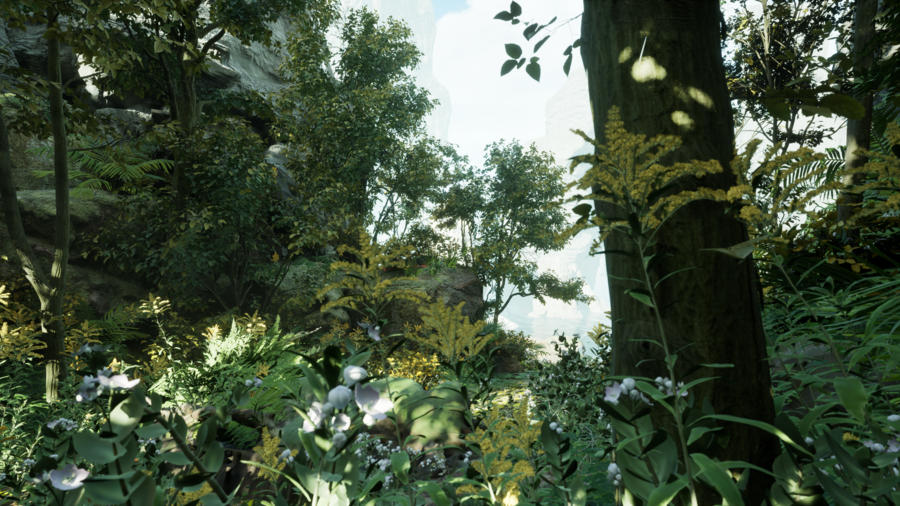
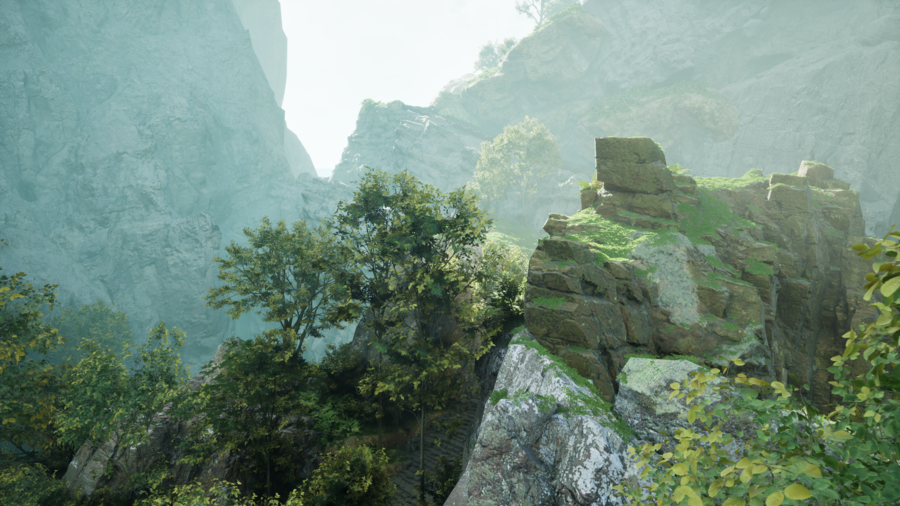
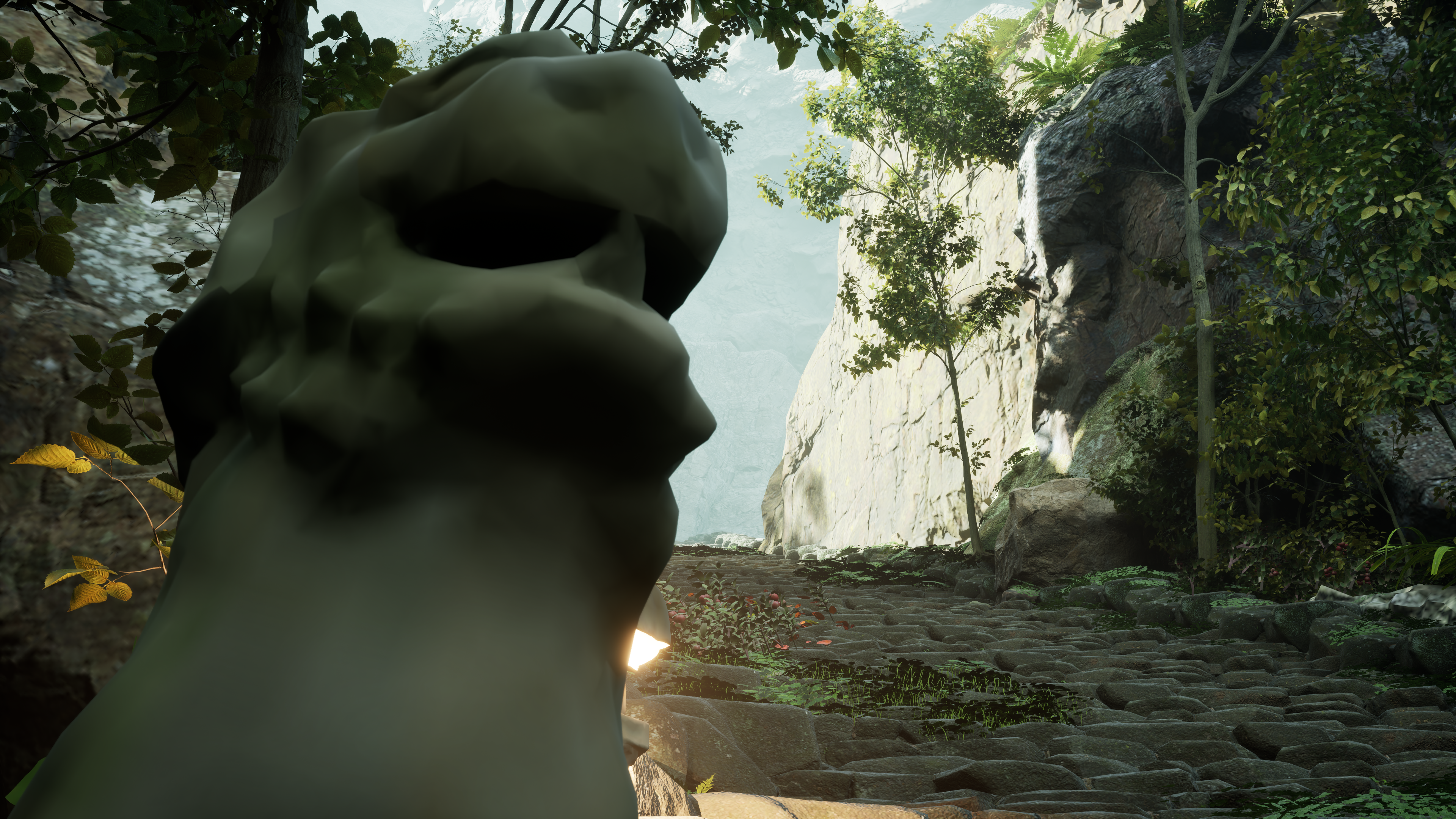
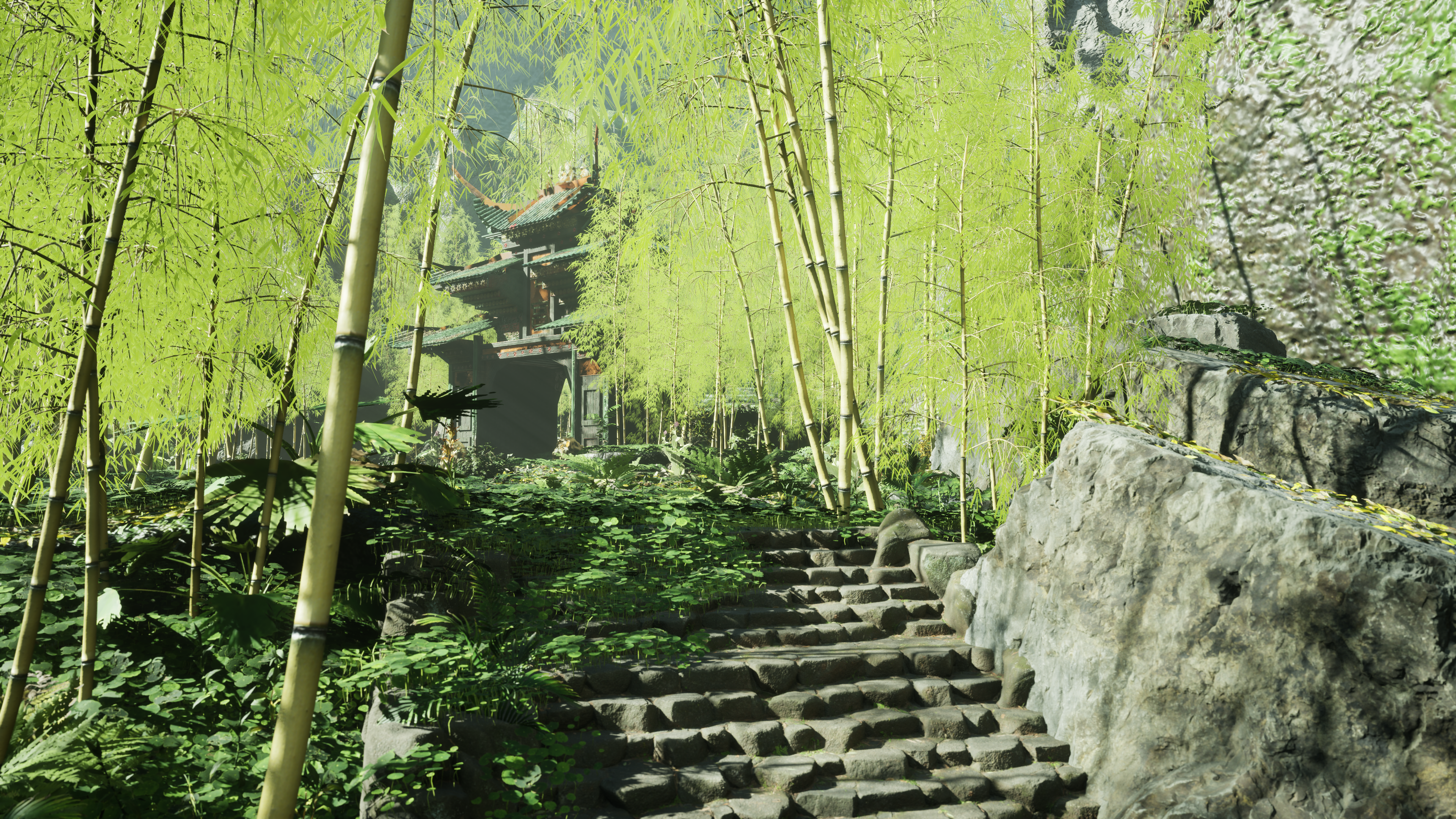
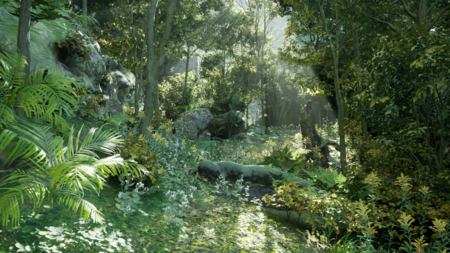
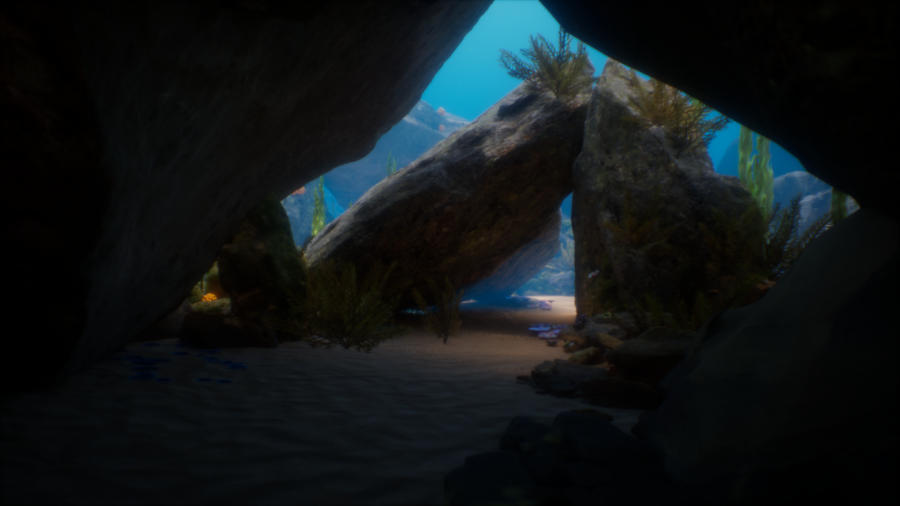
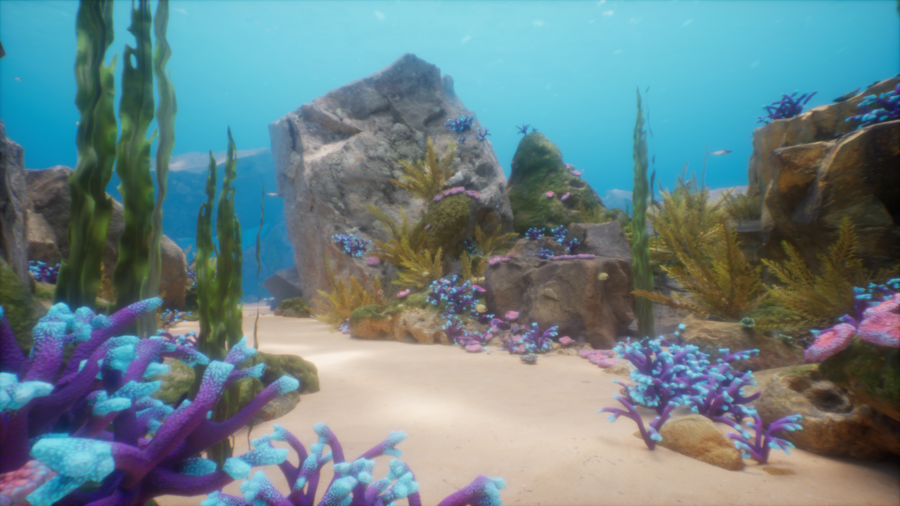
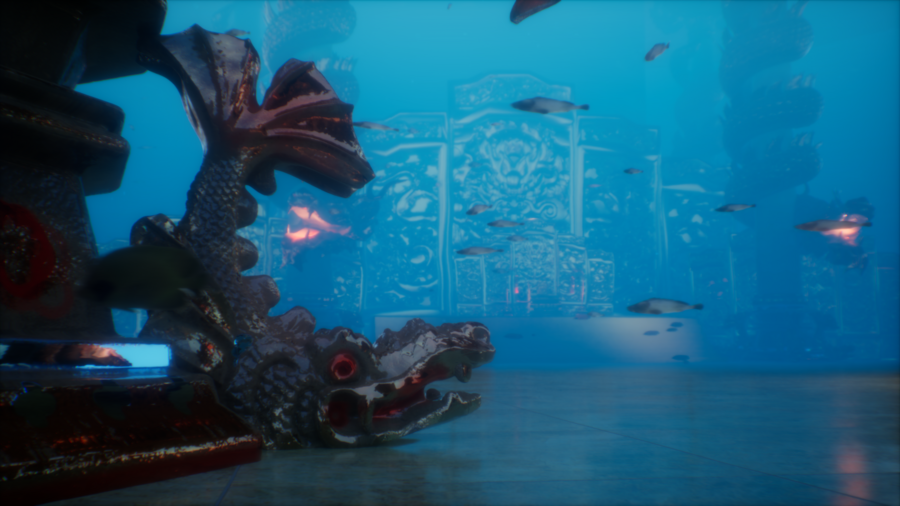
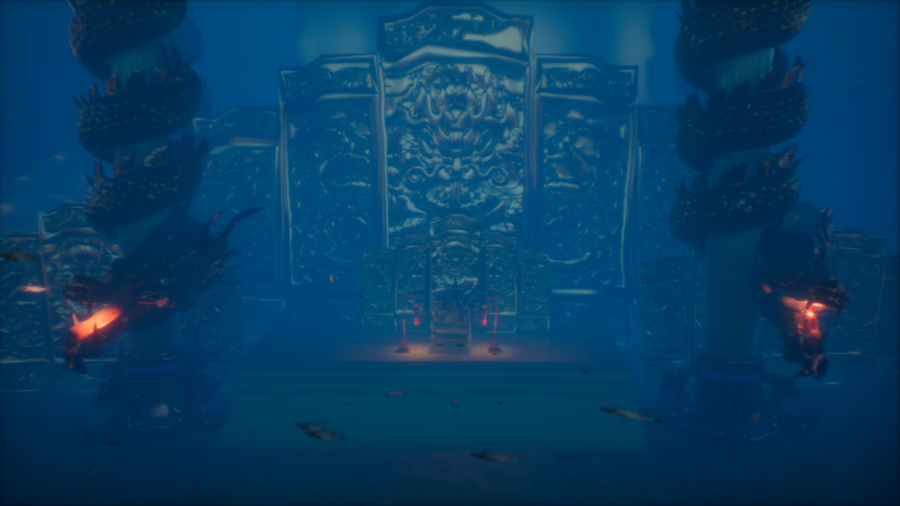
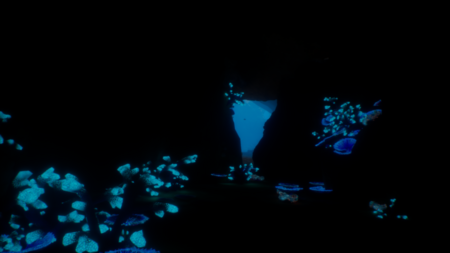
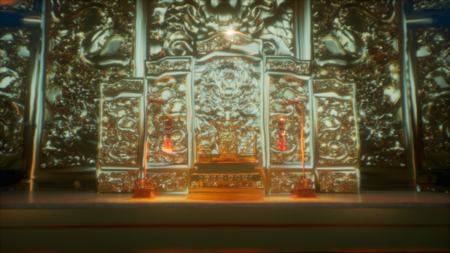
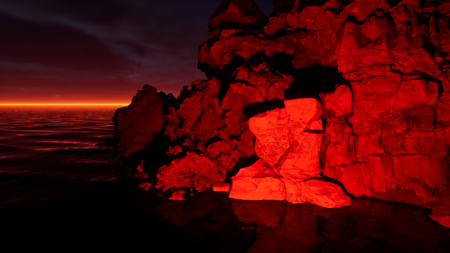
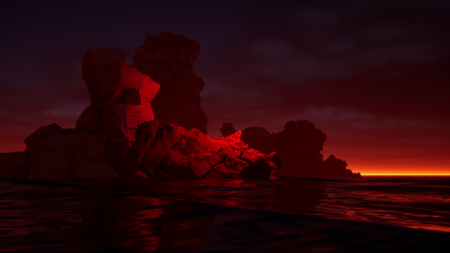
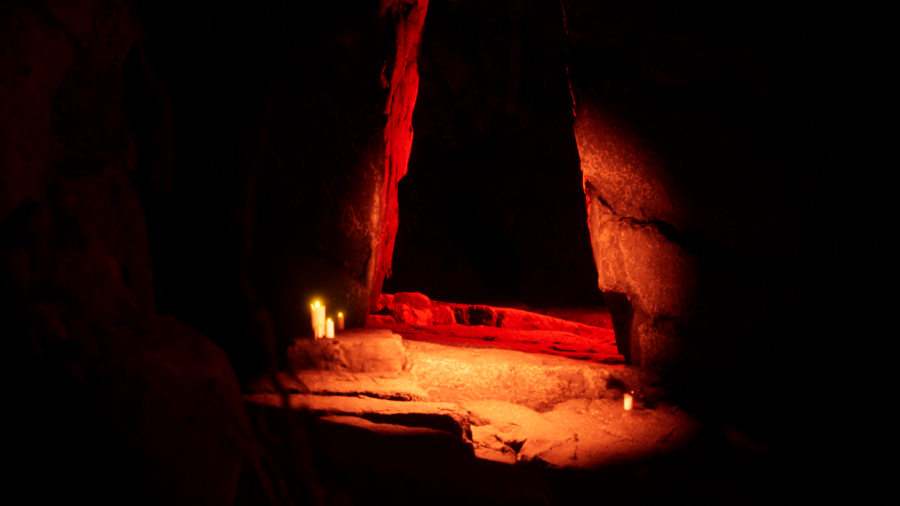
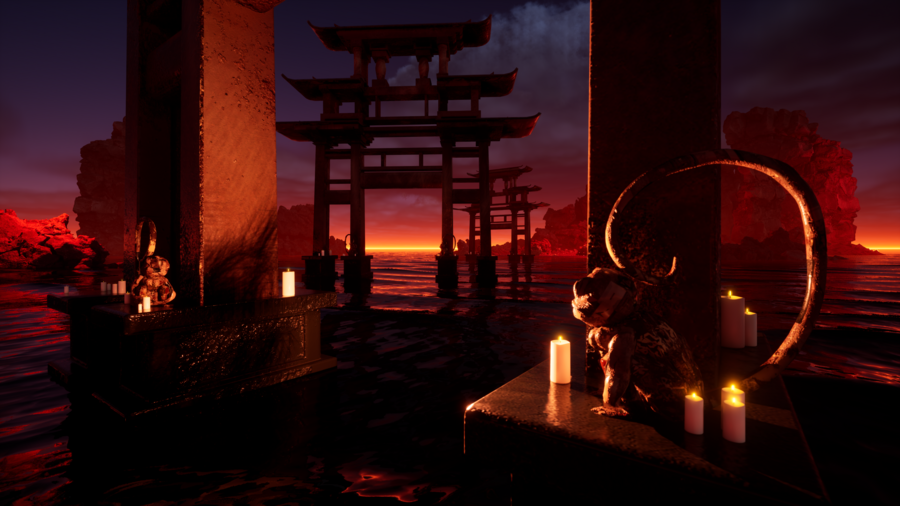
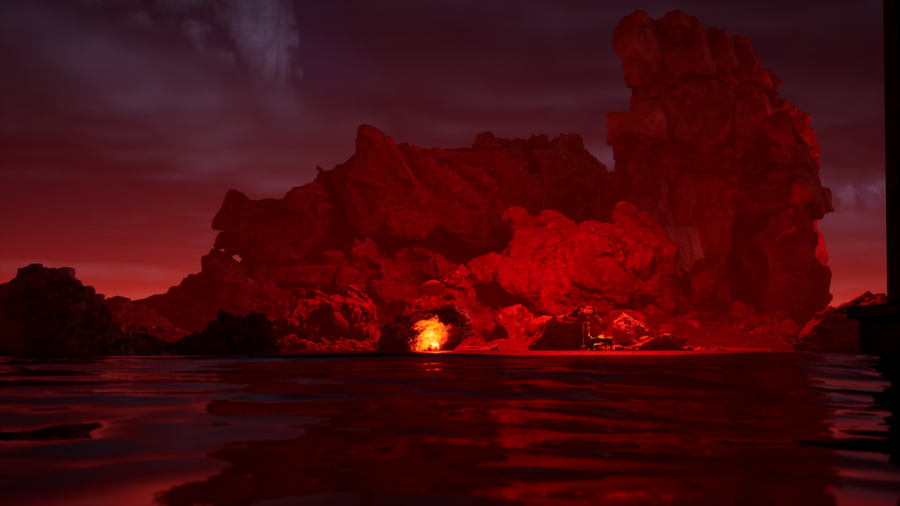
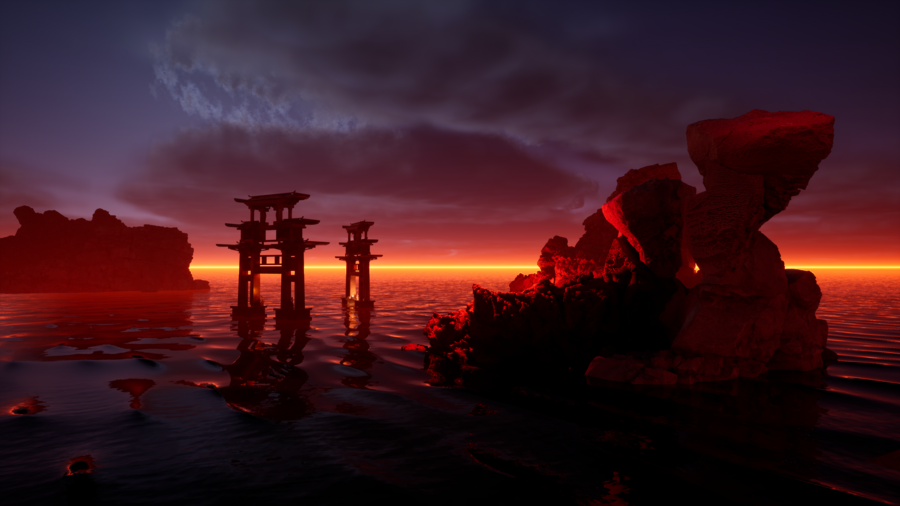
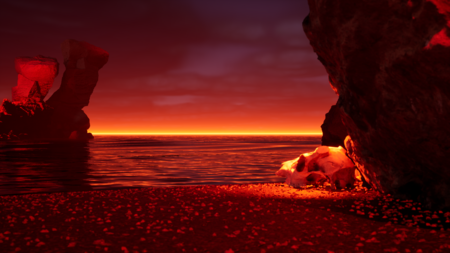
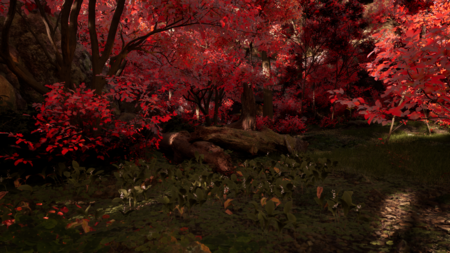
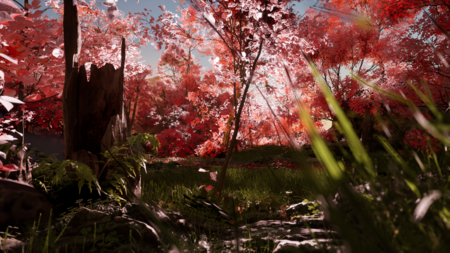
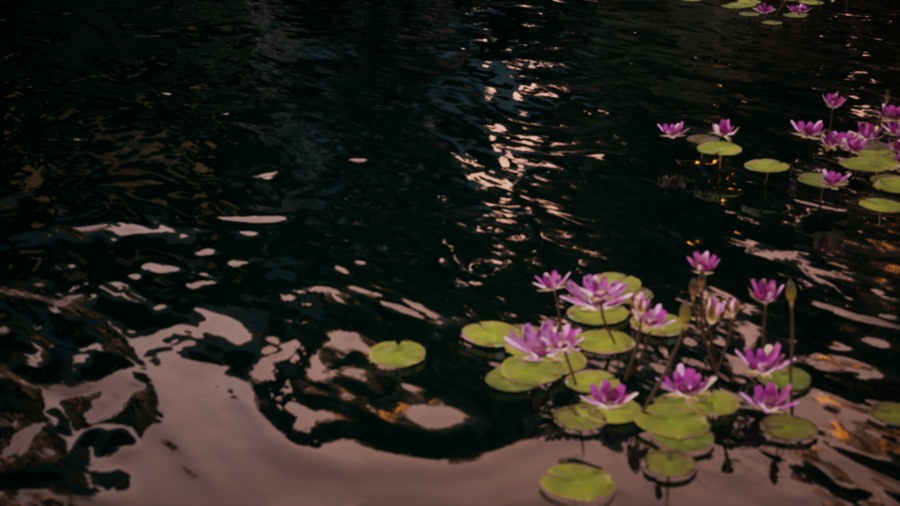
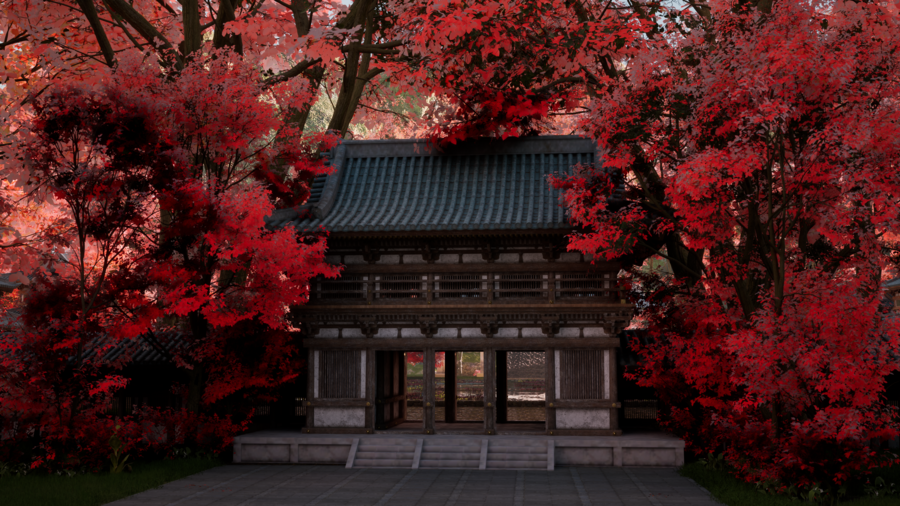
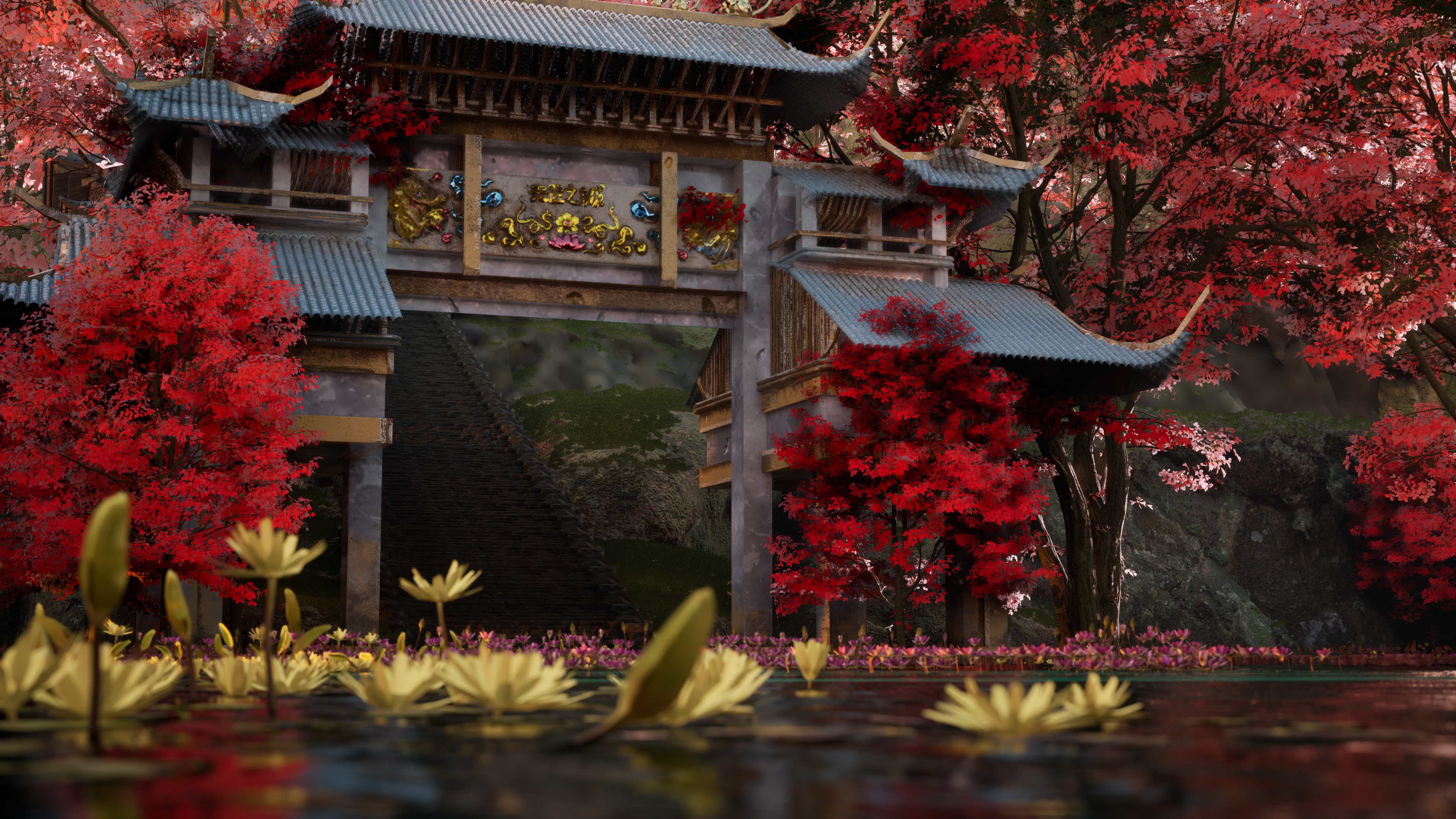
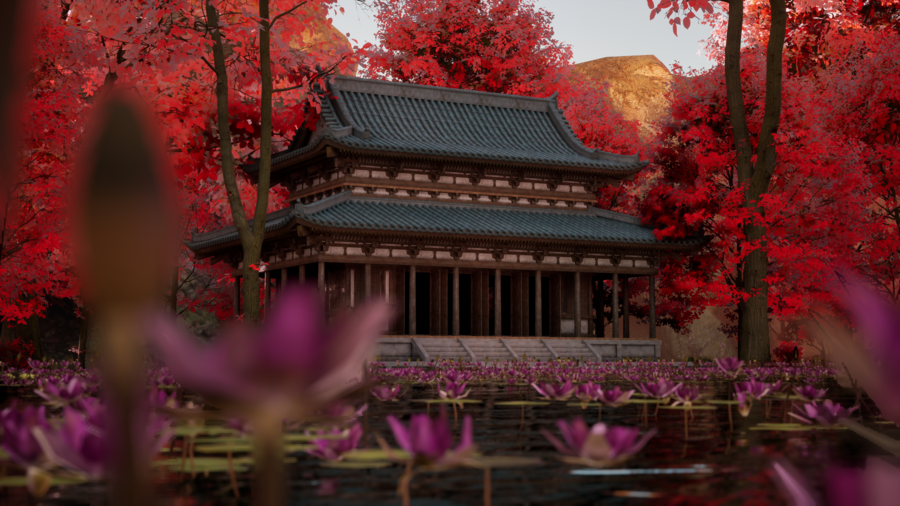
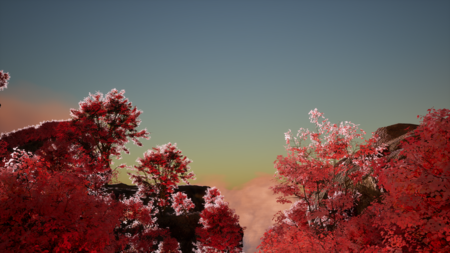
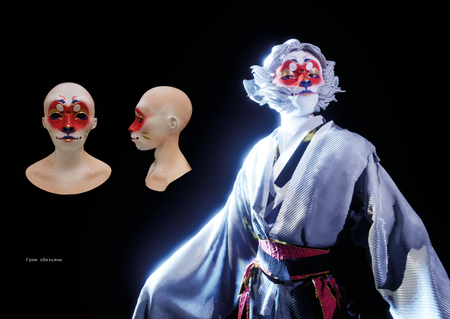
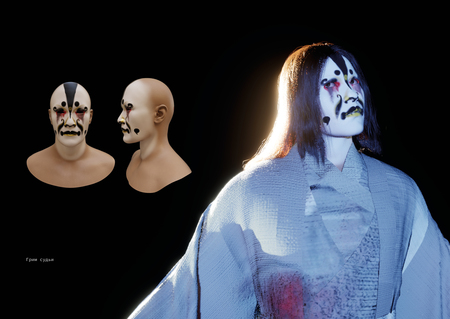
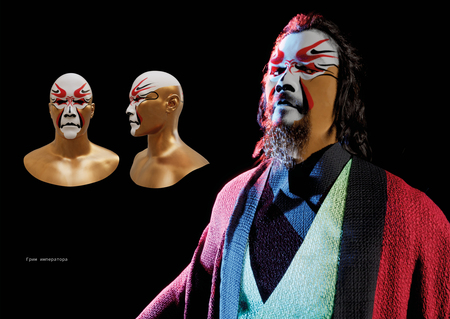
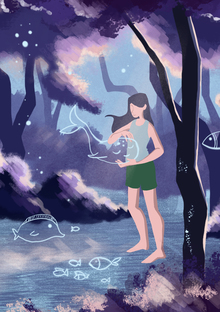
Дипломный проект — это создание серии виртуальных пространств по мотивам книги «Путешествие на Запад», а также разработка персонажей и элементов окружения. Задача — воссоздать пейзажи, описанные в книге, передать их настроение и атмосферу с помощью 3D-инструментов.
Виртуальное пространство по мотивам книги «Путешествие на Запад»
Вера Бабаханова создала виртуальное пространство по мотивам книги «Путешествие на Запад». Проект включает серию 3D-сцен, вдохновлённых описаниями пейзажей из произведения.
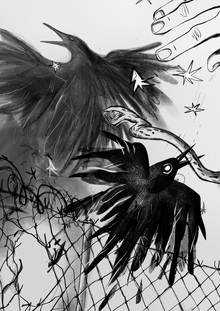
Софья Кондрашова создала серию самиздатских иллюстрированных литературных сборников, которые можно распечатать и сшить самостоятельно. Проект включает в себя скетчбуки, открытки и брендированные шопперы, распространяемые через интернет и сарафанное радио.
Алина Карцева создала визуальную новеллу «Океан снов» с повествованием от третьего лица и вариативностью сюжета. Проект погружает игрока в опасный мир сновидений — Междумирье, где ему придётся пройти через много испытаний и опасностей.
Анастасия Овсяникова создала сборник рецептов блюд из корейских дорам в формате книги. Проект включает дополнительные элементы, такие как блокнот, магниты и кухонный фартук с культурными отсылками.
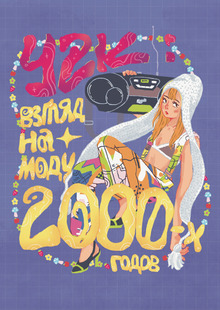
Карина Кара-Сал создала иллюстрированную книгу о моде 2000-х годов, которая снова стала популярной среди подростков и молодых людей. Проект включает в себя дополнительный стикер-пак, расширяющий тему моды Y2K.
hsedesign
hsedesign.com is the digital ecosystem brought by HSE ART AND DESIGN SCHOOL. It combines a professional portfolio for designers — students, graduates, and professors — with an online educational platform and a hub that aggregates international competitions in creative industries, among other digital services.
... Show more
design
object design
art
fashion
environment
game design
illustration
animation
cgi
sound
all the directions
fabrika
We use cookies to improve the operation of the HSE website and to enhance its usability. More detailed information on the use of cookies can be fou...
Show more
Press space bar to start a drag.
When dragging you can use the arrow keys to move the item around and escape to cancel.
Some screen readers may require you to be in focus mode or to use your pass through key
Press space bar to start a drag.
When dragging you can use the arrow keys to move the item around and escape to cancel.
Some screen readers may require you to be in focus mode or to use your pass through key
Press space bar to start a drag.
When dragging you can use the arrow keys to move the item around and escape to cancel.
Some screen readers may require you to be in focus mode or to use your pass through key
Press space bar to start a drag.
When dragging you can use the arrow keys to move the item around and escape to cancel.
Some screen readers may require you to be in focus mode or to use your pass through key
Press space bar to start a drag.
When dragging you can use the arrow keys to move the item around and escape to cancel.
Some screen readers may require you to be in focus mode or to use your pass through key
Press space bar to start a drag.
When dragging you can use the arrow keys to move the item around and escape to cancel.
Some screen readers may require you to be in focus mode or to use your pass through key
Press space bar to start a drag.
When dragging you can use the arrow keys to move the item around and escape to cancel.
Some screen readers may require you to be in focus mode or to use your pass through key
Press space bar to start a drag.
When dragging you can use the arrow keys to move the item around and escape to cancel.
Some screen readers may require you to be in focus mode or to use your pass through key
Press space bar to start a drag.
When dragging you can use the arrow keys to move the item around and escape to cancel.
Some screen readers may require you to be in focus mode or to use your pass through key
Press space bar to start a drag.
When dragging you can use the arrow keys to move the item around and escape to cancel.
Some screen readers may require you to be in focus mode or to use your pass through key