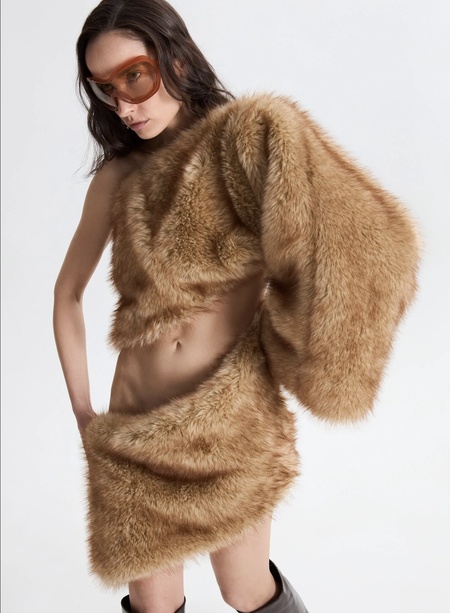
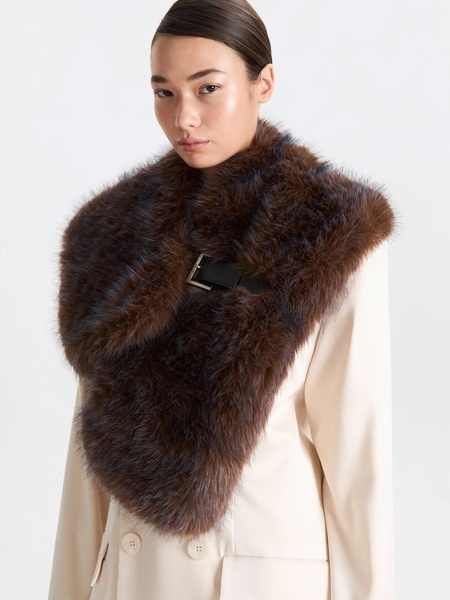
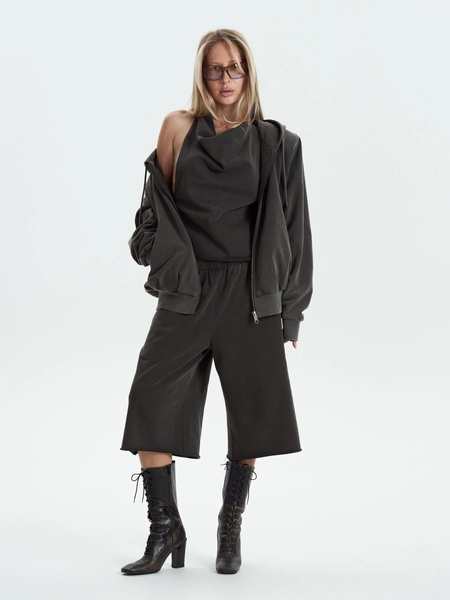
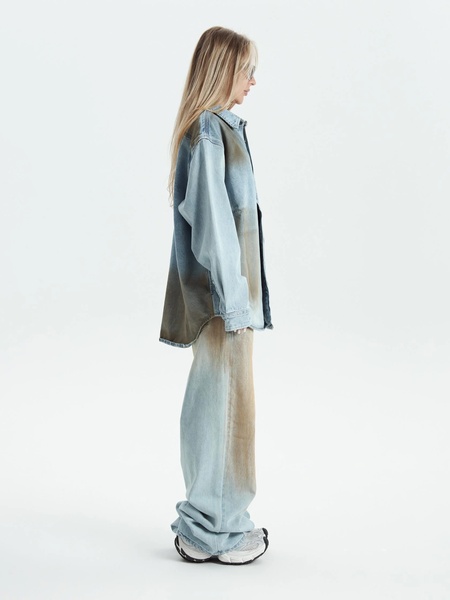
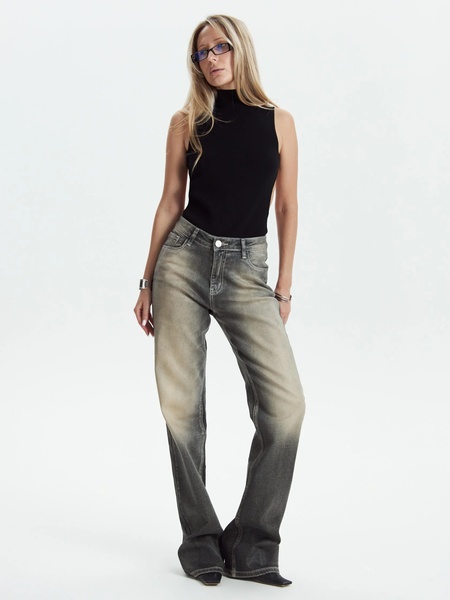
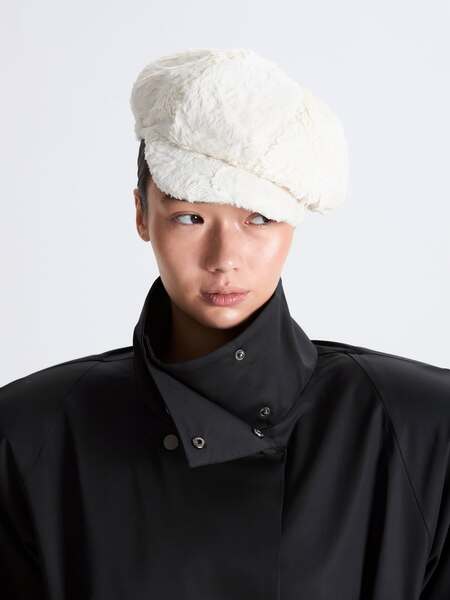
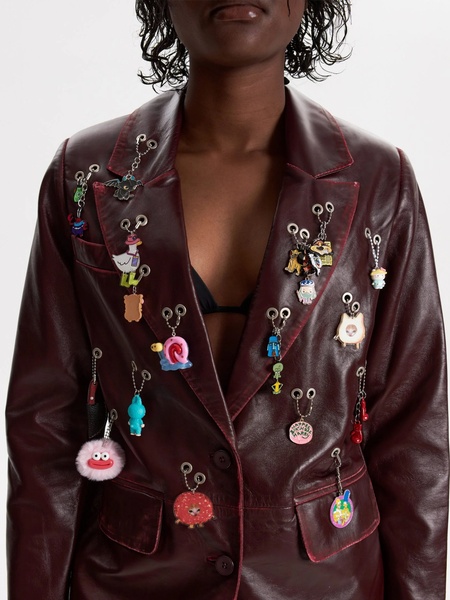
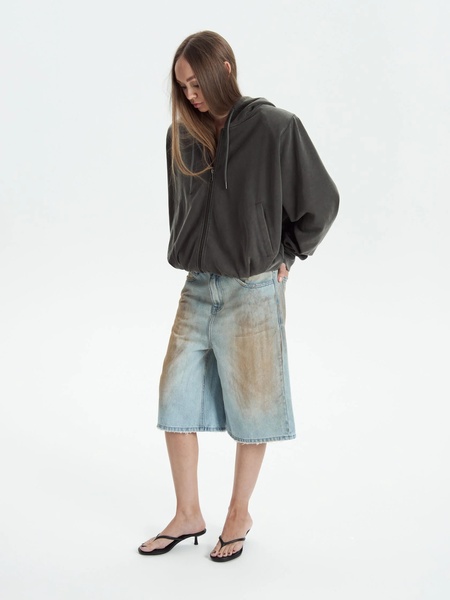
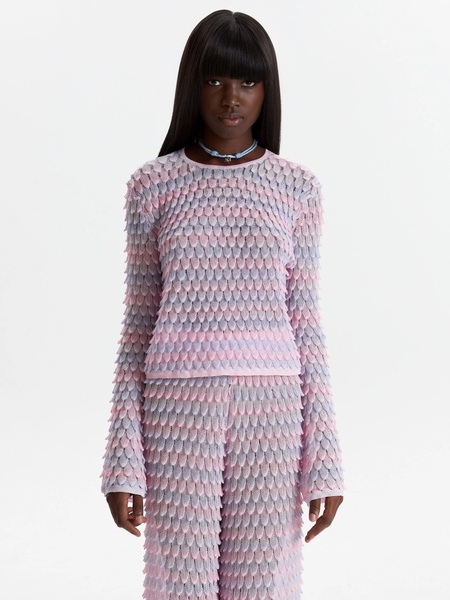
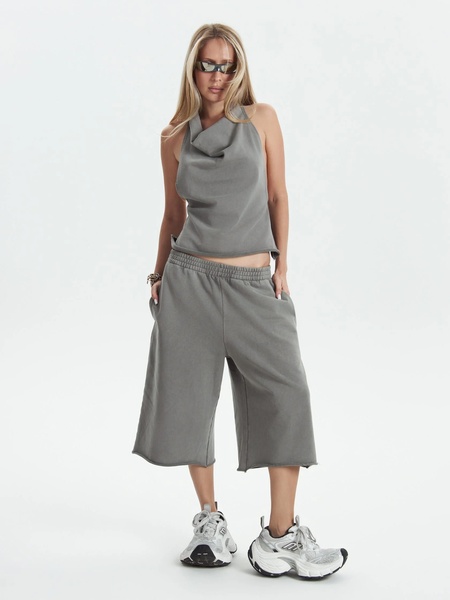
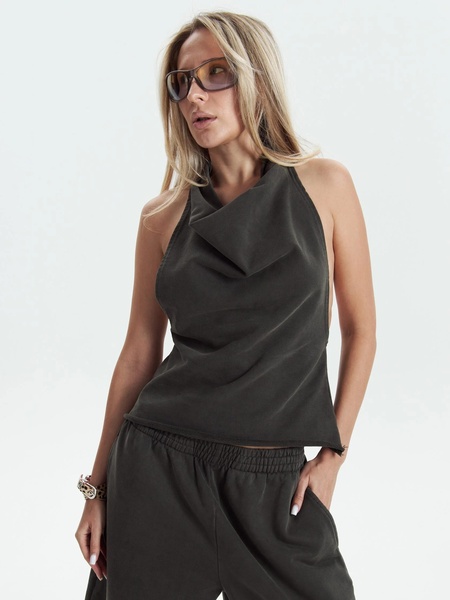
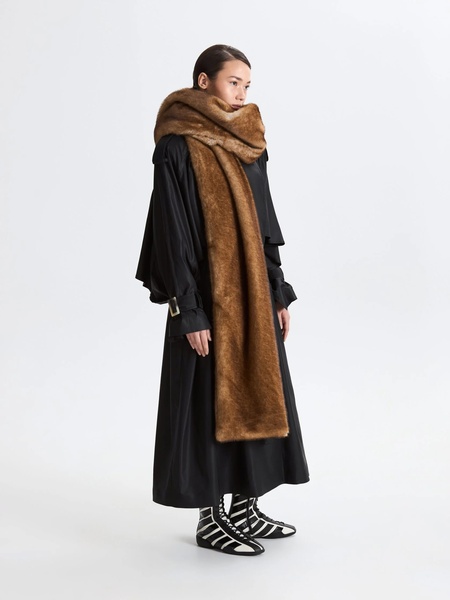
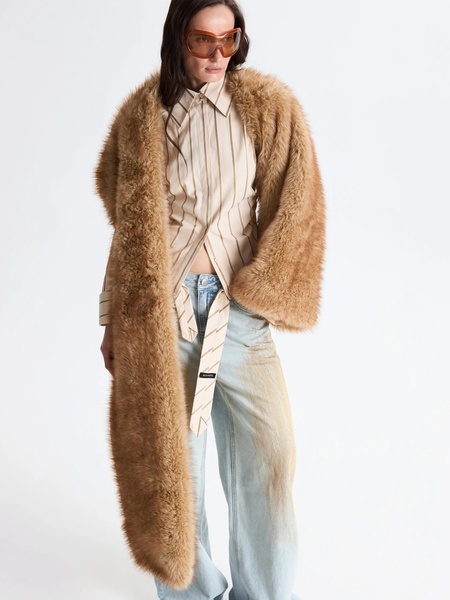
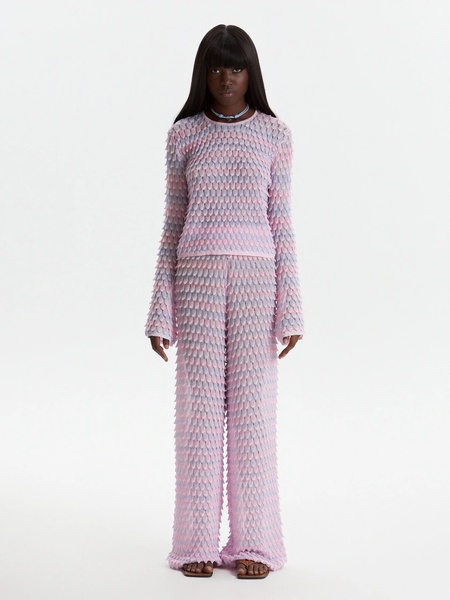
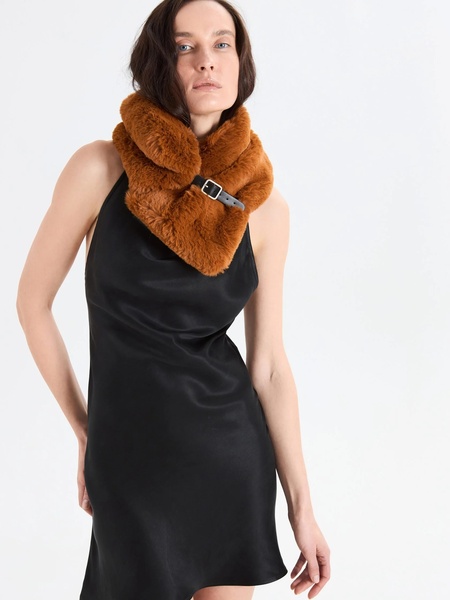
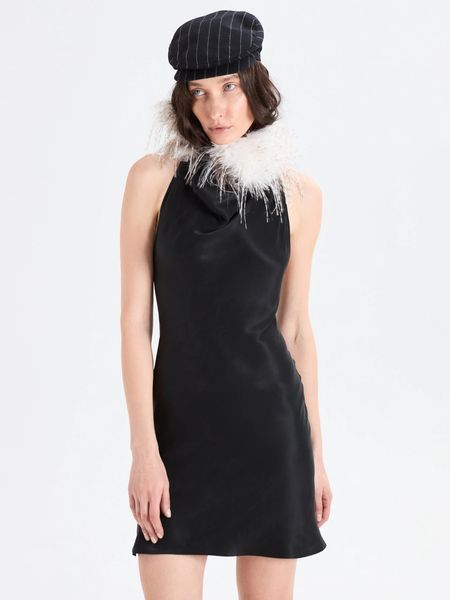
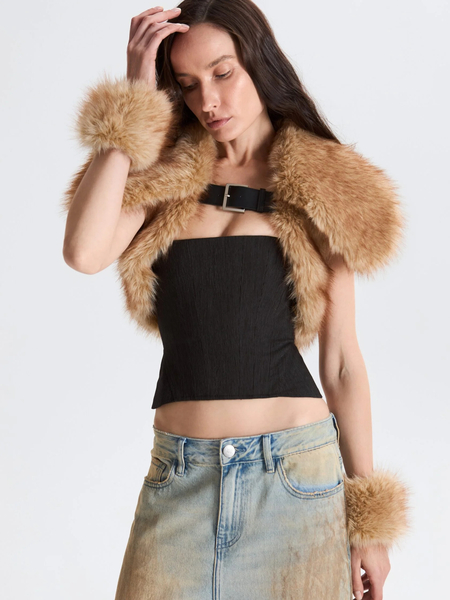
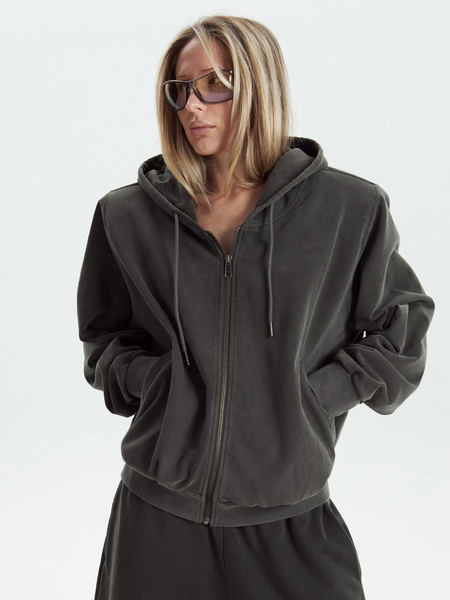
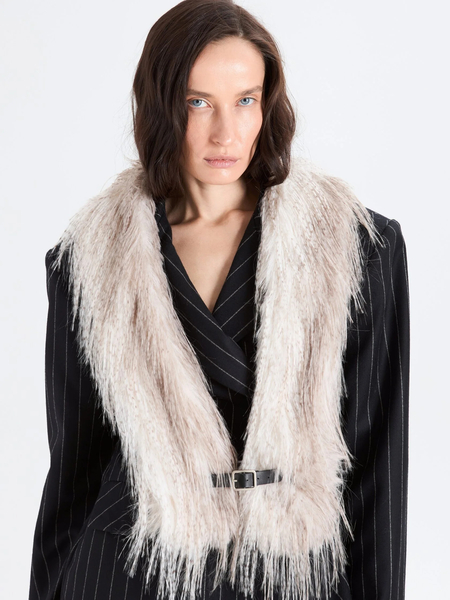
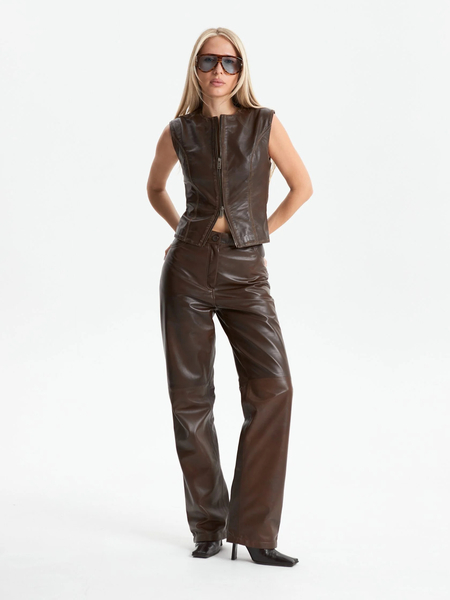
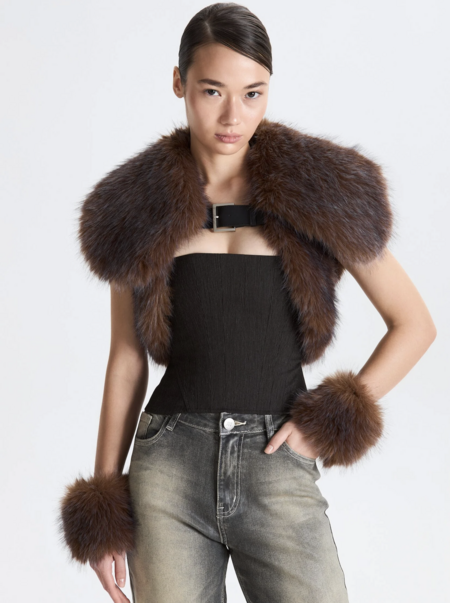
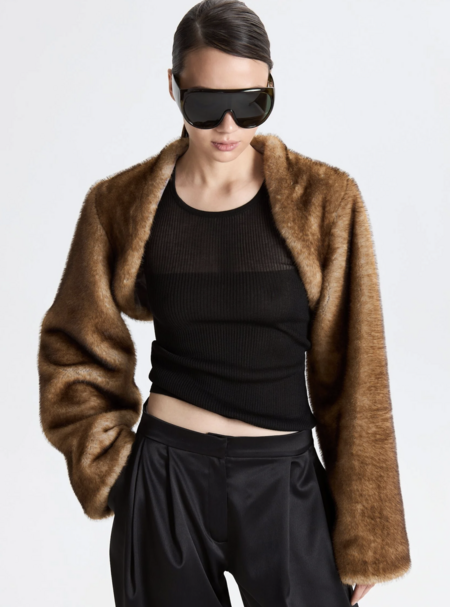
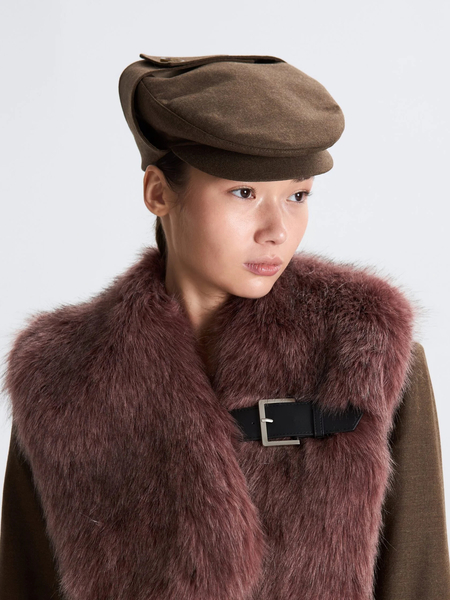
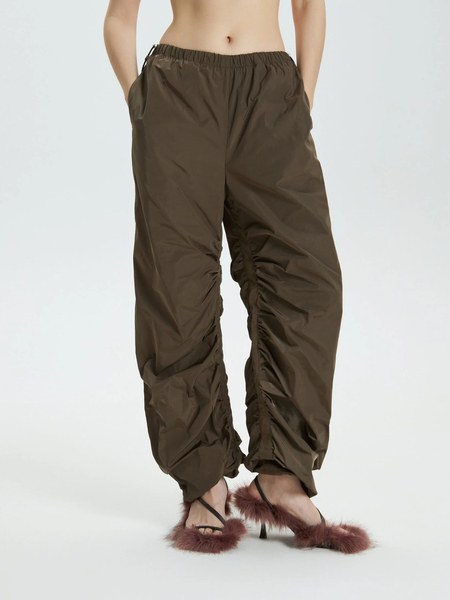
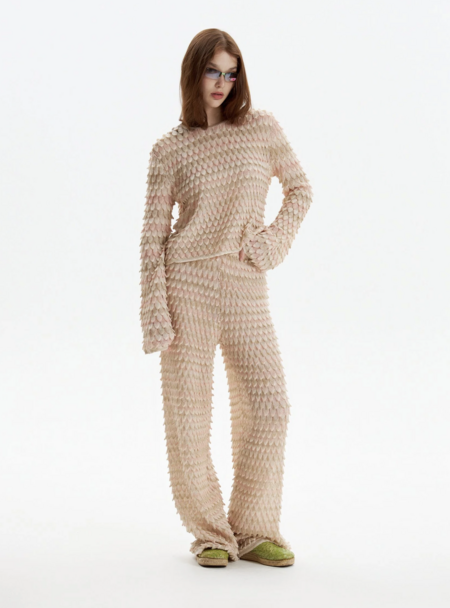
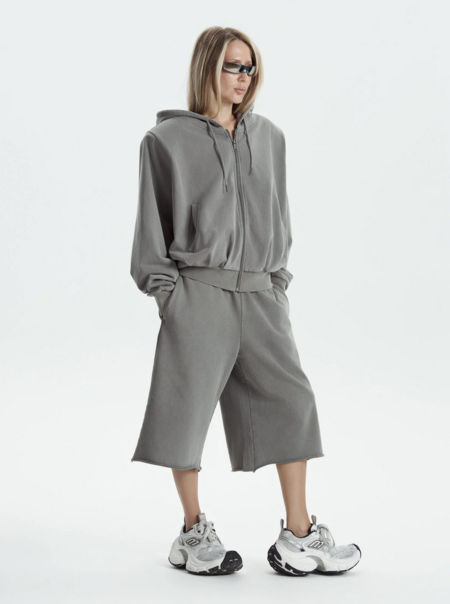
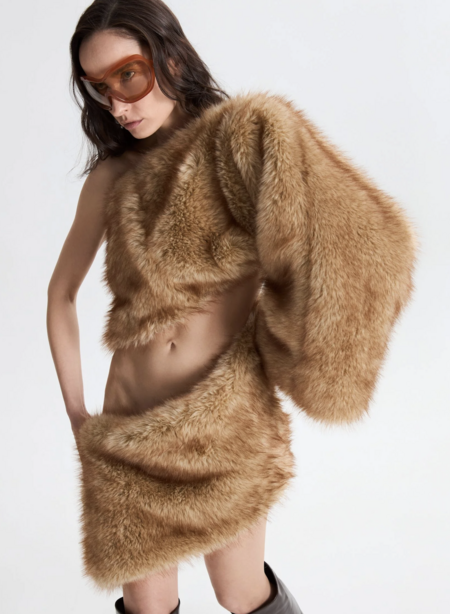
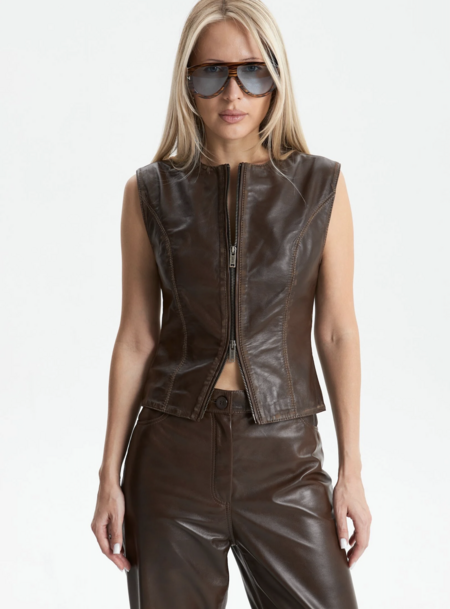
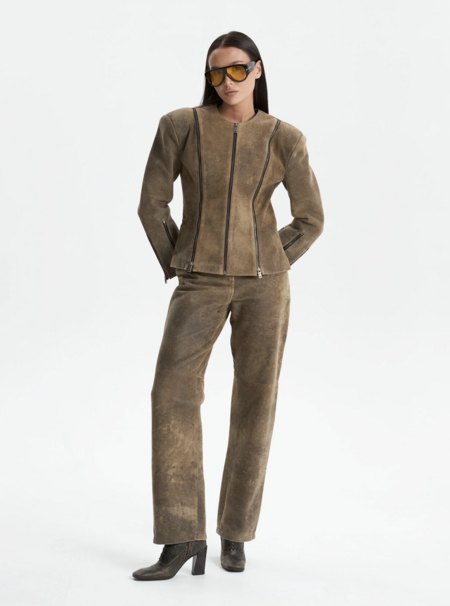
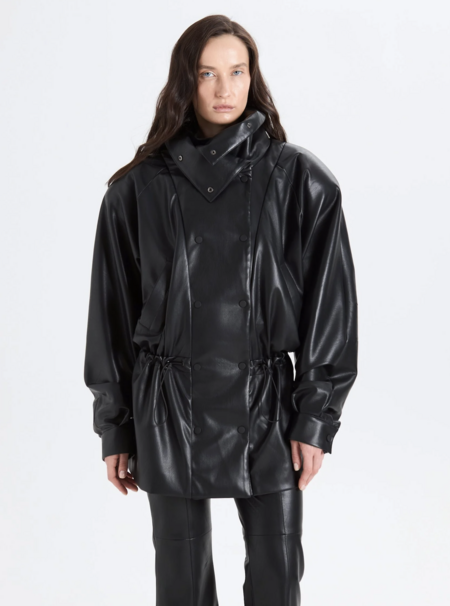
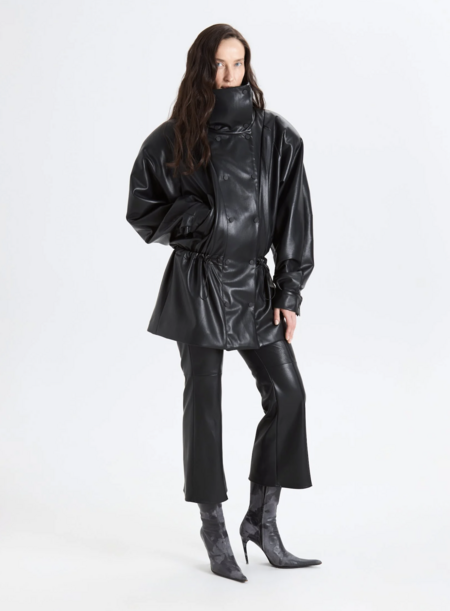
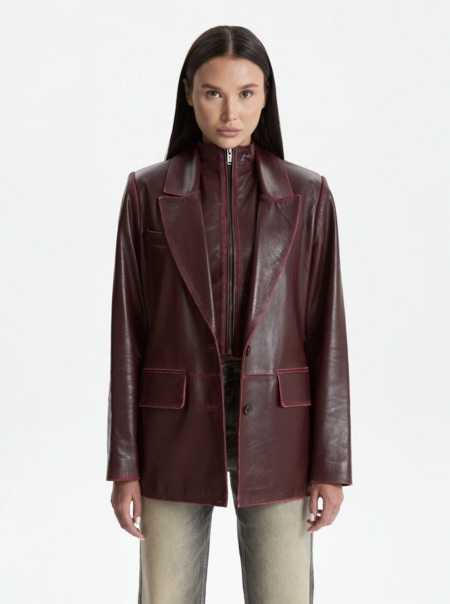
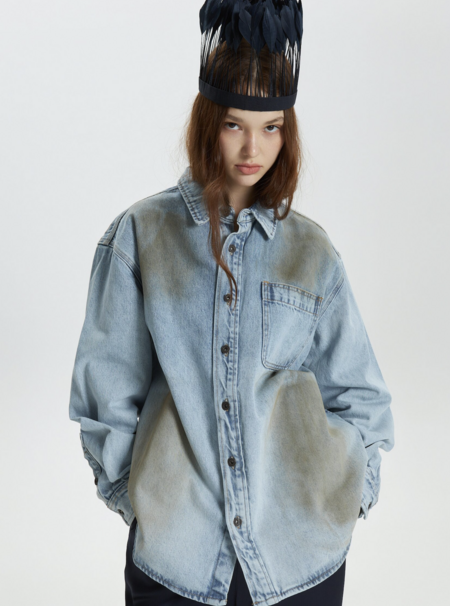
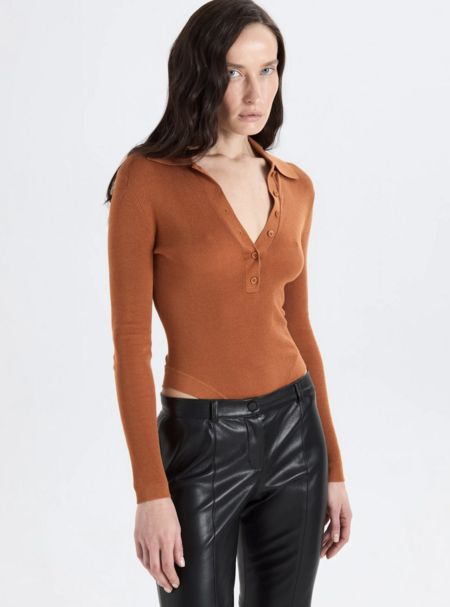
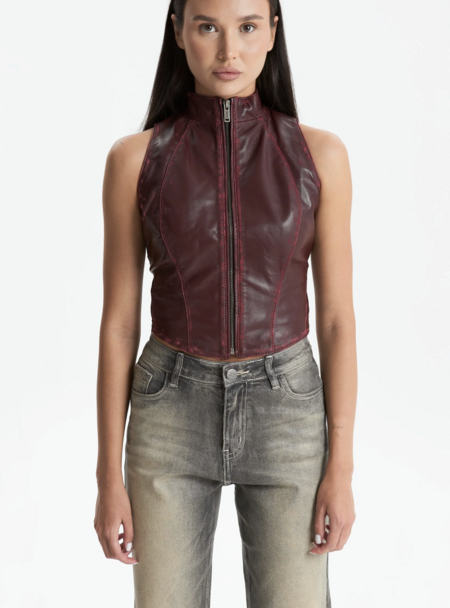
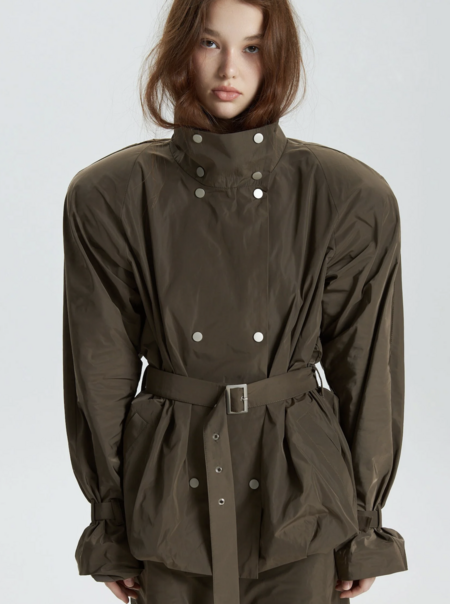
Monrêve Fashion brand представила коллекцию Monrêve Fall 2025, сочетающую строгие линии с тактильными текстурными акцентами. Проект включает практичные кожаные изделия, премиальную шерсть, меховые аксессуары и головные уборы.
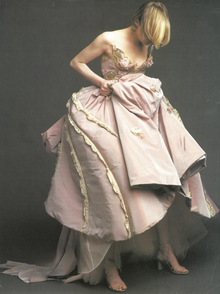
Интервью с режиссером Любовью Гречишниковой рассказывает о становлении моды в СССР и постсоветской России, от первых дефиле до создания Московской Недели высокой моды. Проект включает подробные воспоминания о показах в концертном зале «Россия» и формировании индустрии моды в 1980-х и 1990-х годах, включая участие иностранных дизайнеров уровня Balenciaga и Paco Rabanne.
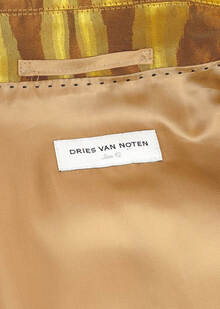
Алексей Яременко подготовил текст о бренде Dries Van Noten, описывающий его уникальный подход к моде и личность дизайнера. Проект включает в себя статьи, исторические данные и особенности производства, подчеркивающие связь между личностью Дриса и философией бренда.
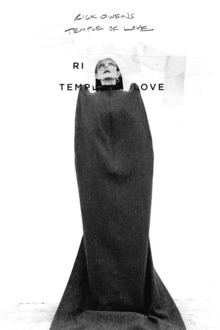
Ольга Окатова подготовила исследование о стиле Rick Owens, охватывающее его эстетику, цветовую палитру и силуэт одежды. Проект включает детальное описание мешковатых линий, асимметрии и мрачного настроения, характерного для бренда.
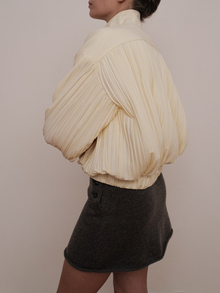
Bренд Cloche представил осенний дроп с капсульной коллекцией, включающей бумажные брюки и трикотаж цвета лебедя. Коллекция включает уникальные модели, такие как непромокаемая накидка Domino и брюки Papery с регулируемым шнурком пояса.
We use cookies to improve the operation of the HSE website and to enhance its usability. More detailed information on the use of cookies can be fou...
Show more
Press space bar to start a drag.
When dragging you can use the arrow keys to move the item around and escape to cancel.
Some screen readers may require you to be in focus mode or to use your pass through key
Press space bar to start a drag.
When dragging you can use the arrow keys to move the item around and escape to cancel.
Some screen readers may require you to be in focus mode or to use your pass through key
Press space bar to start a drag.
When dragging you can use the arrow keys to move the item around and escape to cancel.
Some screen readers may require you to be in focus mode or to use your pass through key
Press space bar to start a drag.
When dragging you can use the arrow keys to move the item around and escape to cancel.
Some screen readers may require you to be in focus mode or to use your pass through key
Press space bar to start a drag.
When dragging you can use the arrow keys to move the item around and escape to cancel.
Some screen readers may require you to be in focus mode or to use your pass through key
Press space bar to start a drag.
When dragging you can use the arrow keys to move the item around and escape to cancel.
Some screen readers may require you to be in focus mode or to use your pass through key
Press space bar to start a drag.
When dragging you can use the arrow keys to move the item around and escape to cancel.
Some screen readers may require you to be in focus mode or to use your pass through key
Press space bar to start a drag.
When dragging you can use the arrow keys to move the item around and escape to cancel.
Some screen readers may require you to be in focus mode or to use your pass through key
Press space bar to start a drag.
When dragging you can use the arrow keys to move the item around and escape to cancel.
Some screen readers may require you to be in focus mode or to use your pass through key
Press space bar to start a drag.
When dragging you can use the arrow keys to move the item around and escape to cancel.
Some screen readers may require you to be in focus mode or to use your pass through key
Press space bar to start a drag.
When dragging you can use the arrow keys to move the item around and escape to cancel.
Some screen readers may require you to be in focus mode or to use your pass through key
Press space bar to start a drag.
When dragging you can use the arrow keys to move the item around and escape to cancel.
Some screen readers may require you to be in focus mode or to use your pass through key
Press space bar to start a drag.
When dragging you can use the arrow keys to move the item around and escape to cancel.
Some screen readers may require you to be in focus mode or to use your pass through key
Press space bar to start a drag.
When dragging you can use the arrow keys to move the item around and escape to cancel.
Some screen readers may require you to be in focus mode or to use your pass through key
Press space bar to start a drag.
When dragging you can use the arrow keys to move the item around and escape to cancel.
Some screen readers may require you to be in focus mode or to use your pass through key
Press space bar to start a drag.
When dragging you can use the arrow keys to move the item around and escape to cancel.
Some screen readers may require you to be in focus mode or to use your pass through key
Press space bar to start a drag.
When dragging you can use the arrow keys to move the item around and escape to cancel.
Some screen readers may require you to be in focus mode or to use your pass through key
Press space bar to start a drag.
When dragging you can use the arrow keys to move the item around and escape to cancel.
Some screen readers may require you to be in focus mode or to use your pass through key
Press space bar to start a drag.
When dragging you can use the arrow keys to move the item around and escape to cancel.
Some screen readers may require you to be in focus mode or to use your pass through key