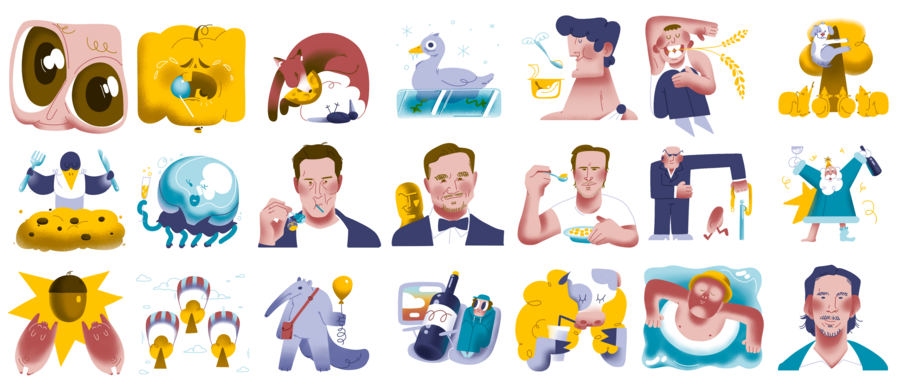
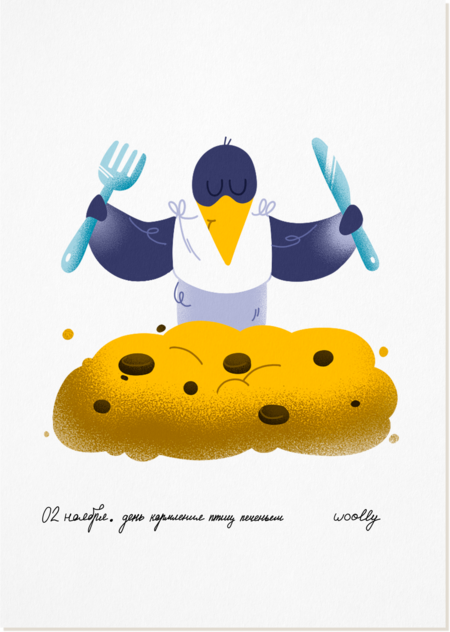
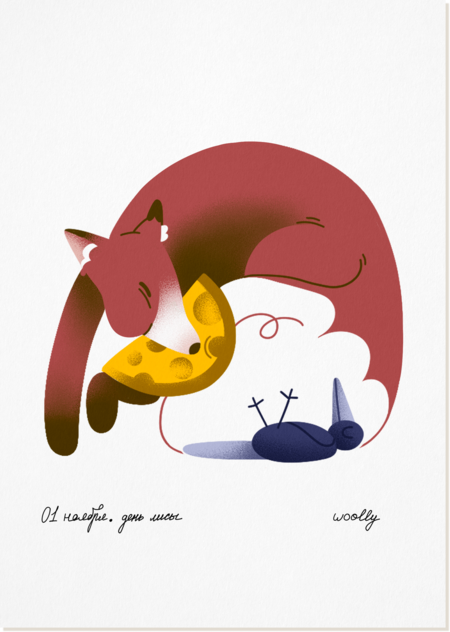
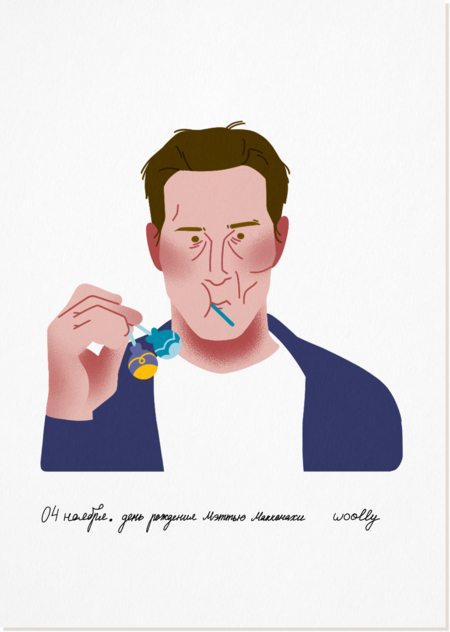
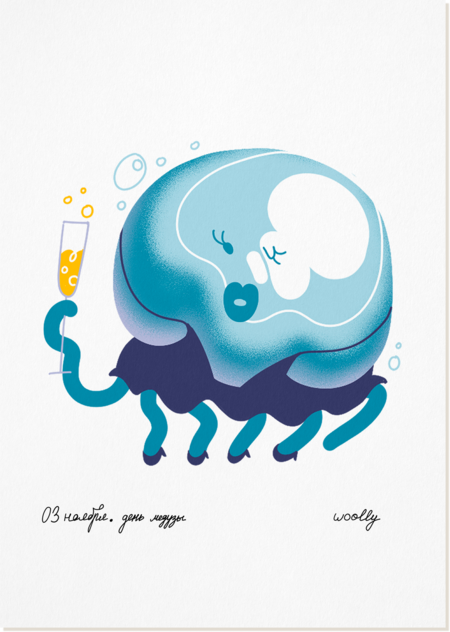
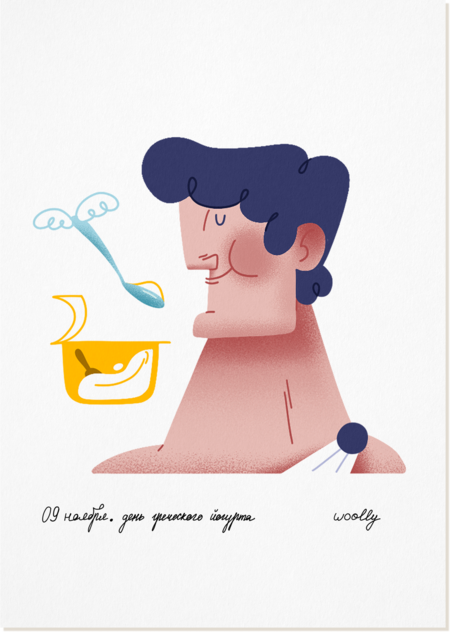
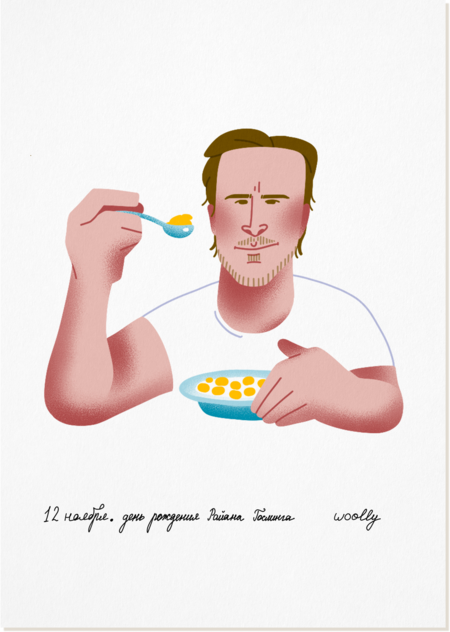
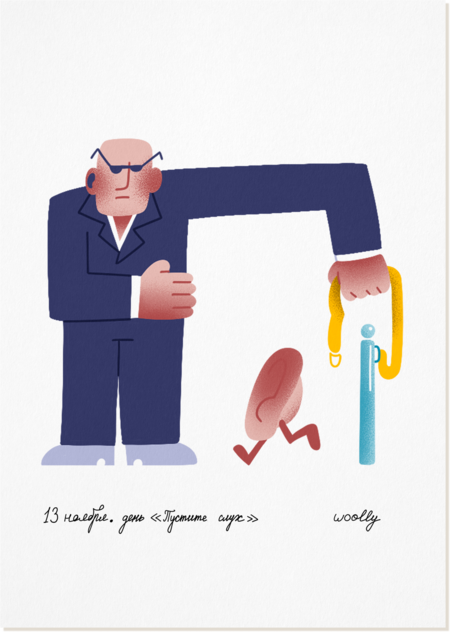
Серия из 21 иллюстрации, встроенной в календарь и последовательно распределённой по его структуре. Каждая работа посвящена одному из шуточных или неофициальных дней года с 31 октября по 19 ноября и может существовать как самостоятельная открытка. Главная задача проекта — поддержать серийность, находя лёгкую и точную метафорическую интонацию для каждого образа.
Исходный размер 5202x2258
ИЛЛЮСТРАЦИИ + МОКАПЫ
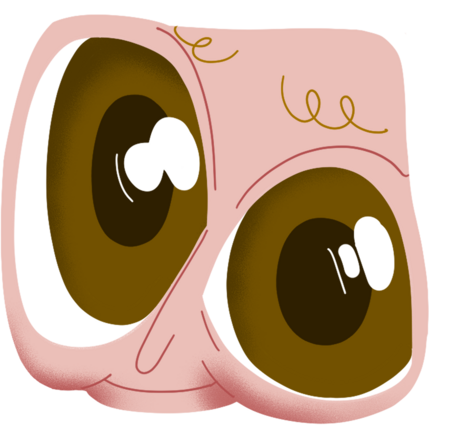
30 октября. День карих глаз | 31 октября. Хеллоуин
5 ноября. День желудя | 6 ноября. День посадки деревьев
7 ноября. День первых признаков зимы | 8 ноября. День сумчатого муравьеда
10 ноября. День пшеницы | 11 ноября. День рождения Леонардо Ди Каприо
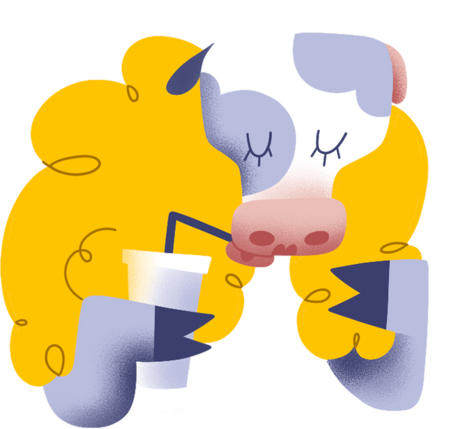
15 ноября. День молочных коктейлей | 16 ноября. День моря
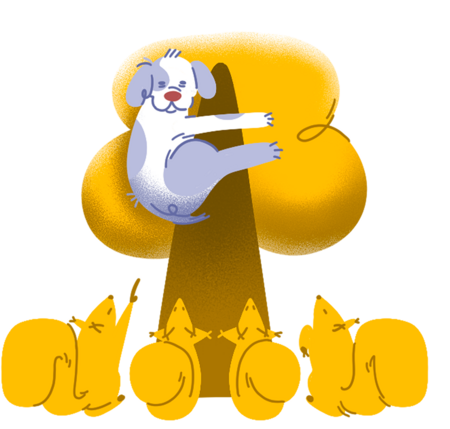
17 ноября. День белок | 18 ноября. День рождения Деда Мороза
Мы используем файлы cookies для улучшения работы сайта НИУ ВШЭ и большего удобства его использования. Более подробную...
Показать больше
Press space bar to start a drag.
When dragging you can use the arrow keys to move the item around and escape to cancel.
Some screen readers may require you to be in focus mode or to use your pass through key
Press space bar to start a drag.
When dragging you can use the arrow keys to move the item around and escape to cancel.
Some screen readers may require you to be in focus mode or to use your pass through key
Press space bar to start a drag.
When dragging you can use the arrow keys to move the item around and escape to cancel.
Some screen readers may require you to be in focus mode or to use your pass through key
Press space bar to start a drag.
When dragging you can use the arrow keys to move the item around and escape to cancel.
Some screen readers may require you to be in focus mode or to use your pass through key
Press space bar to start a drag.
When dragging you can use the arrow keys to move the item around and escape to cancel.
Some screen readers may require you to be in focus mode or to use your pass through key
Press space bar to start a drag.
When dragging you can use the arrow keys to move the item around and escape to cancel.
Some screen readers may require you to be in focus mode or to use your pass through key
Press space bar to start a drag.
When dragging you can use the arrow keys to move the item around and escape to cancel.
Some screen readers may require you to be in focus mode or to use your pass through key
Press space bar to start a drag.
When dragging you can use the arrow keys to move the item around and escape to cancel.
Some screen readers may require you to be in focus mode or to use your pass through key
Press space bar to start a drag.
When dragging you can use the arrow keys to move the item around and escape to cancel.
Some screen readers may require you to be in focus mode or to use your pass through key
Press space bar to start a drag.
When dragging you can use the arrow keys to move the item around and escape to cancel.
Some screen readers may require you to be in focus mode or to use your pass through key