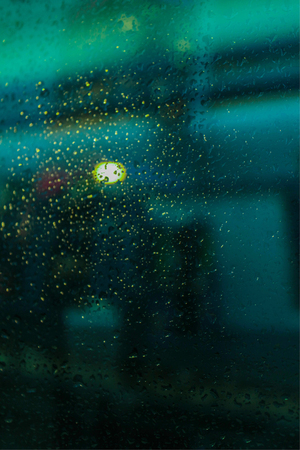
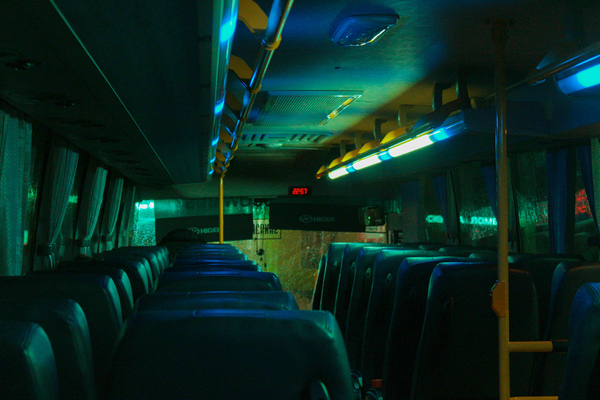
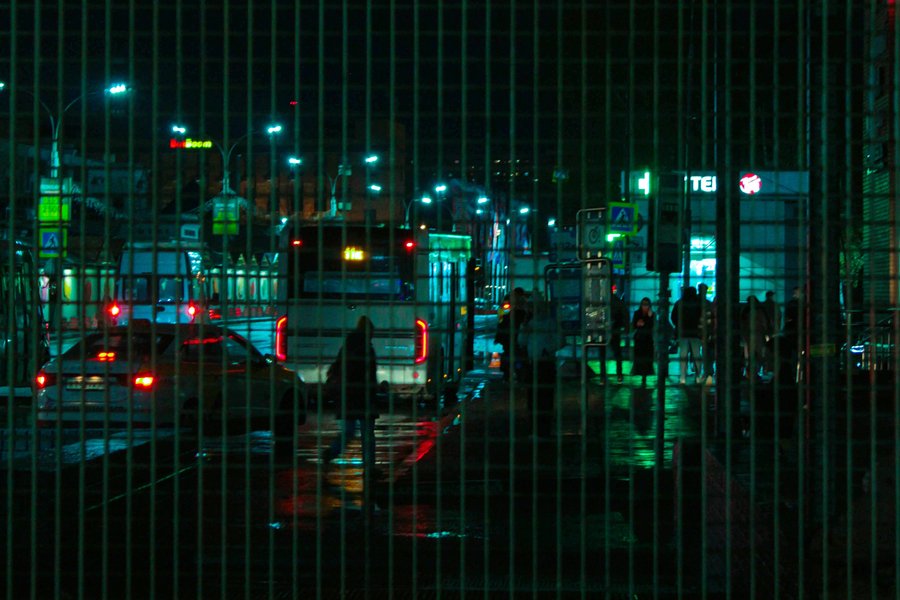
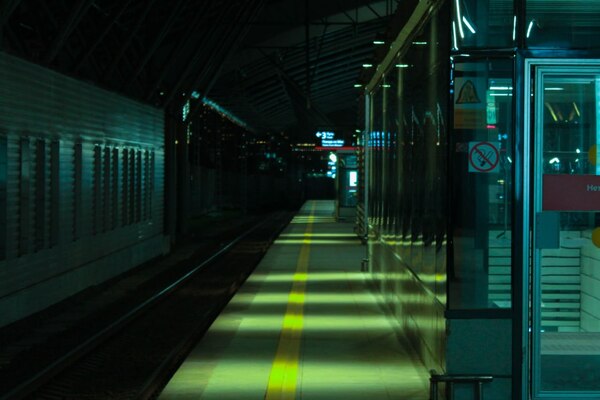
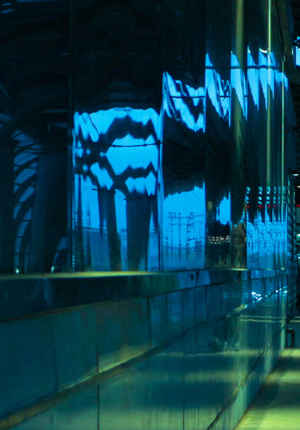
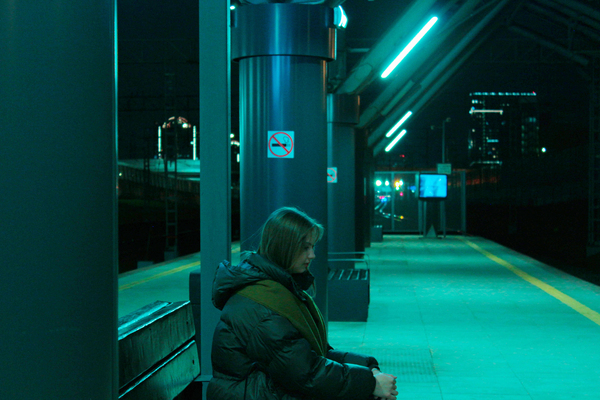
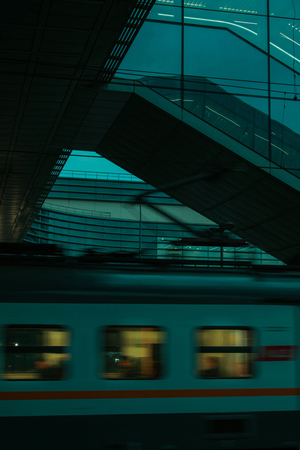
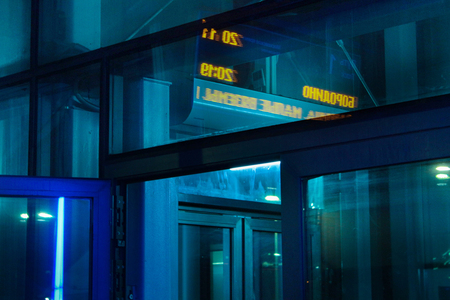
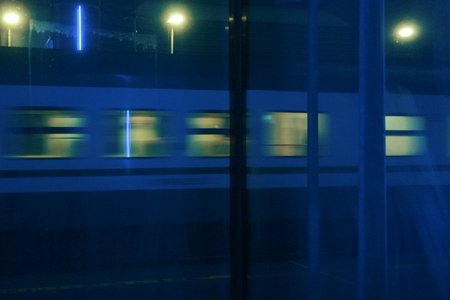
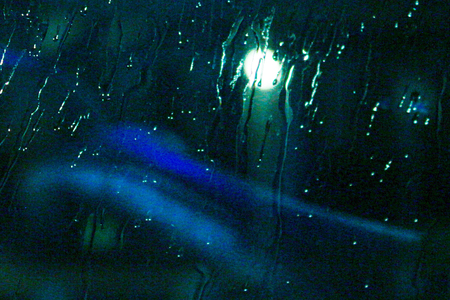
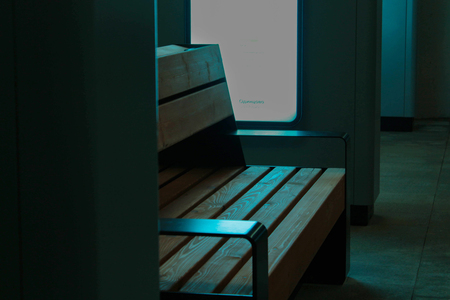
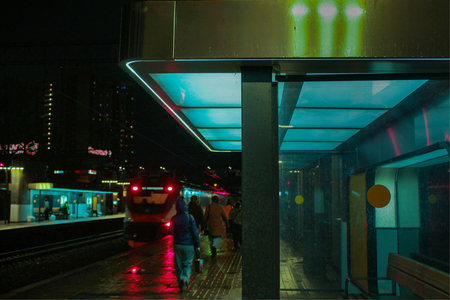
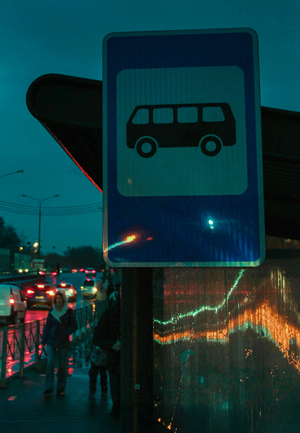
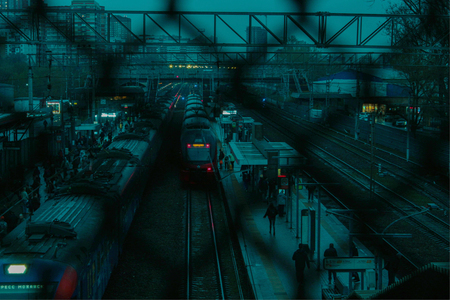
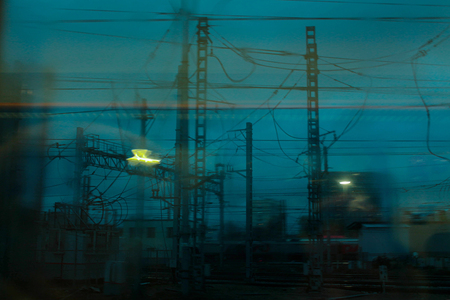
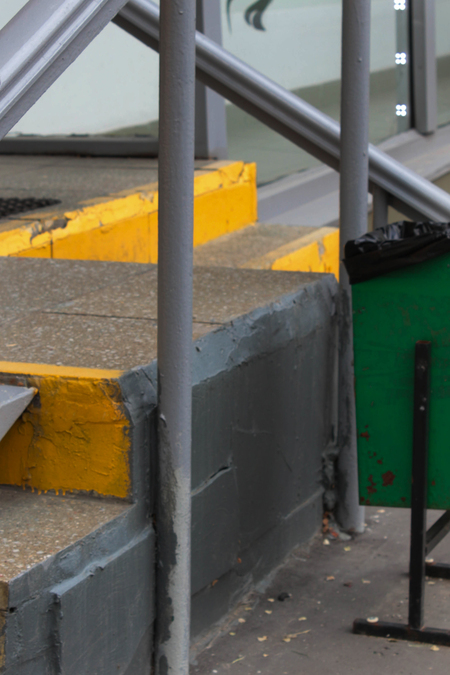
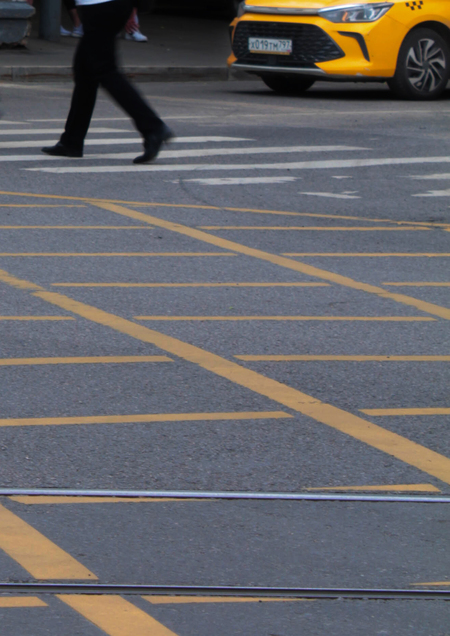
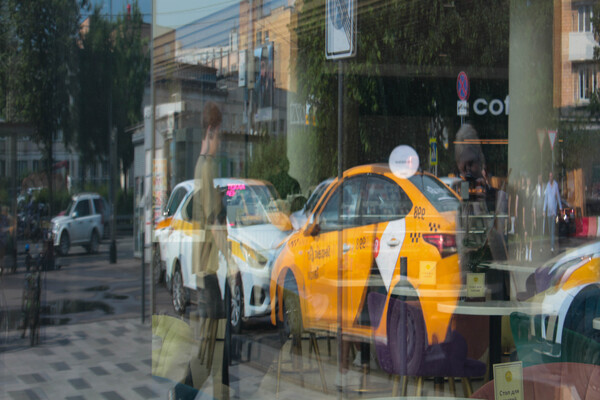
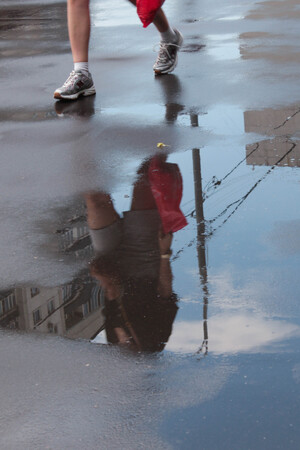
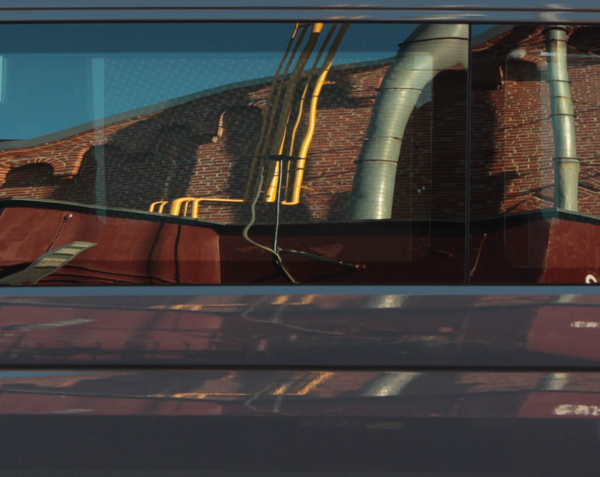
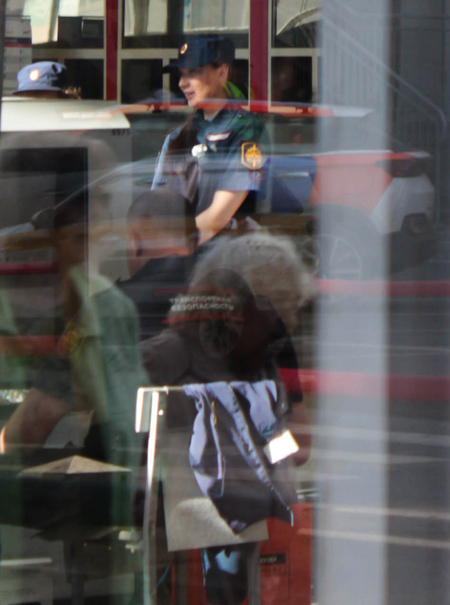
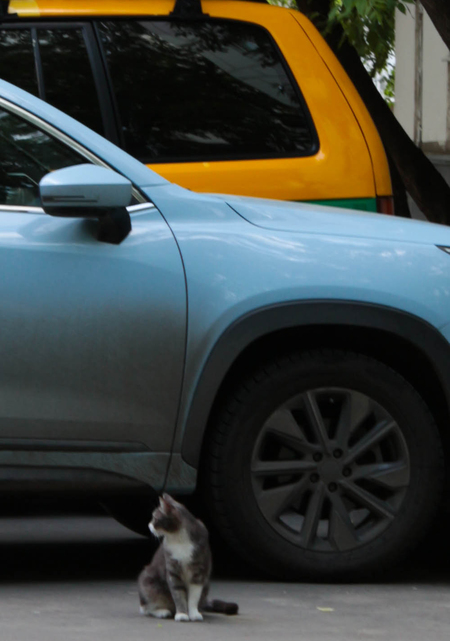
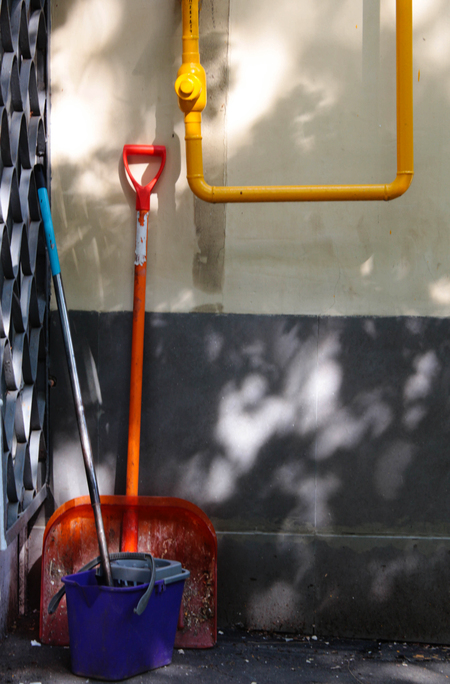
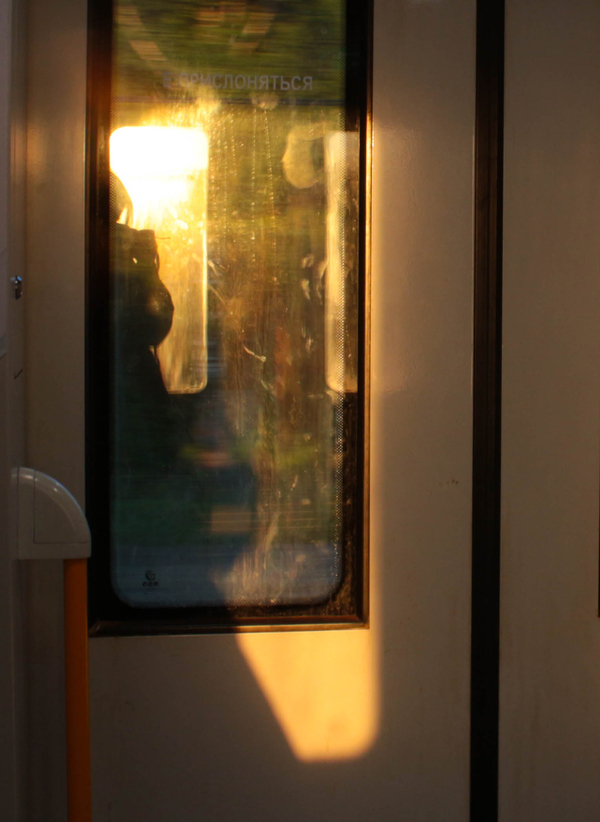
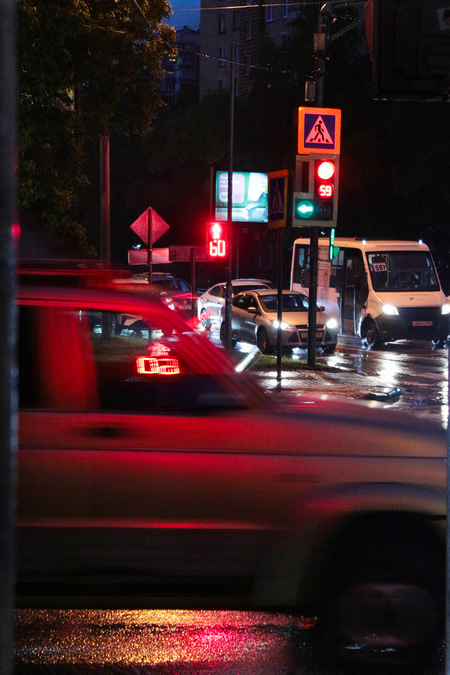
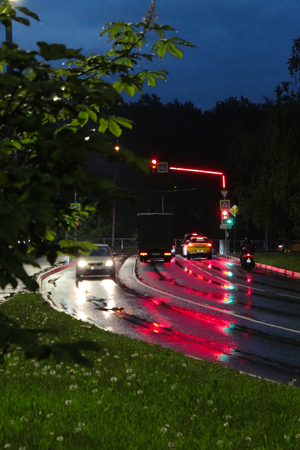
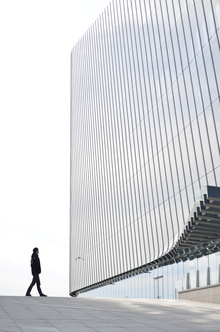
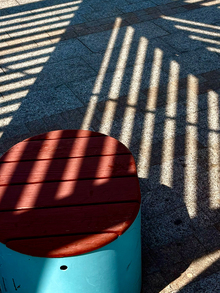
Каждый из нас постоянно преодолевает разные пути. Будь это дорога до работы или учёбы, домой в соседний район или в другой город. Человек проходит, проезжает, пролетает, а иногда и проплывает тысячи километров. С какой бы целью он не шёл: увидеть самого дорогого человека или выспаться после долгого дня, увидеть что-то, что никогда не видел раньше, или вернуться в привычные 4 стены, он идёт.
Тогда не ценно ли то, что сопровождает человека на его пути? Старый вагон метро или самолёт новой авиакомпании, разве они не становятся чем-то важным под ногой —
человека? Почему бы тогда не найти прелесть в дорогах, простилающихся длинной запутанной лентой в рутинной задаче добраться от точки А до точки Б?
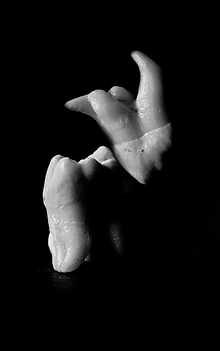
Анна Горелова представила проект с фотографиями портретов и натюрмортов, выполненных в рамках курса современной фотографии Саши Мановцевой. Проект включает кадры, созданные с использованием различных схем освещения, включая экспериментальный свет и классические подходы.
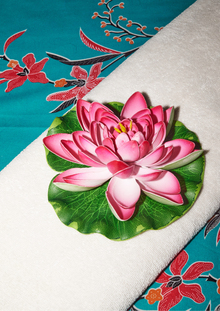
Василиса Василькова создала документальный проект о тайском массаже как части тайской культуры. Проект фокусируется на том, как массаж отражает ментальность тайцев — их доброту, внимание и уважение, а также жёсткий характер.
We use cookies to improve the operation of the HSE website and to enhance its usability. More detailed information on the use of cookies can be fou...
Show more
Press space bar to start a drag.
When dragging you can use the arrow keys to move the item around and escape to cancel.
Some screen readers may require you to be in focus mode or to use your pass through key
Press space bar to start a drag.
When dragging you can use the arrow keys to move the item around and escape to cancel.
Some screen readers may require you to be in focus mode or to use your pass through key
Press space bar to start a drag.
When dragging you can use the arrow keys to move the item around and escape to cancel.
Some screen readers may require you to be in focus mode or to use your pass through key
Press space bar to start a drag.
When dragging you can use the arrow keys to move the item around and escape to cancel.
Some screen readers may require you to be in focus mode or to use your pass through key
Press space bar to start a drag.
When dragging you can use the arrow keys to move the item around and escape to cancel.
Some screen readers may require you to be in focus mode or to use your pass through key
Press space bar to start a drag.
When dragging you can use the arrow keys to move the item around and escape to cancel.
Some screen readers may require you to be in focus mode or to use your pass through key
Press space bar to start a drag.
When dragging you can use the arrow keys to move the item around and escape to cancel.
Some screen readers may require you to be in focus mode or to use your pass through key
Press space bar to start a drag.
When dragging you can use the arrow keys to move the item around and escape to cancel.
Some screen readers may require you to be in focus mode or to use your pass through key
Press space bar to start a drag.
When dragging you can use the arrow keys to move the item around and escape to cancel.
Some screen readers may require you to be in focus mode or to use your pass through key
Press space bar to start a drag.
When dragging you can use the arrow keys to move the item around and escape to cancel.
Some screen readers may require you to be in focus mode or to use your pass through key
Press space bar to start a drag.
When dragging you can use the arrow keys to move the item around and escape to cancel.
Some screen readers may require you to be in focus mode or to use your pass through key
Press space bar to start a drag.
When dragging you can use the arrow keys to move the item around and escape to cancel.
Some screen readers may require you to be in focus mode or to use your pass through key
Press space bar to start a drag.
When dragging you can use the arrow keys to move the item around and escape to cancel.
Some screen readers may require you to be in focus mode or to use your pass through key
Press space bar to start a drag.
When dragging you can use the arrow keys to move the item around and escape to cancel.
Some screen readers may require you to be in focus mode or to use your pass through key
Press space bar to start a drag.
When dragging you can use the arrow keys to move the item around and escape to cancel.
Some screen readers may require you to be in focus mode or to use your pass through key
Press space bar to start a drag.
When dragging you can use the arrow keys to move the item around and escape to cancel.
Some screen readers may require you to be in focus mode or to use your pass through key
Press space bar to start a drag.
When dragging you can use the arrow keys to move the item around and escape to cancel.
Some screen readers may require you to be in focus mode or to use your pass through key