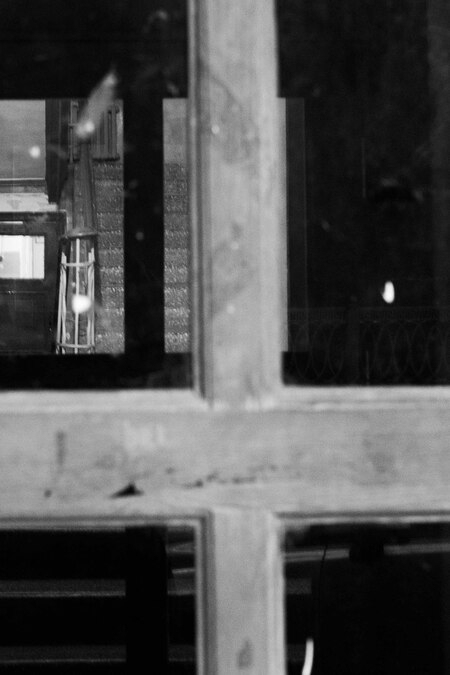
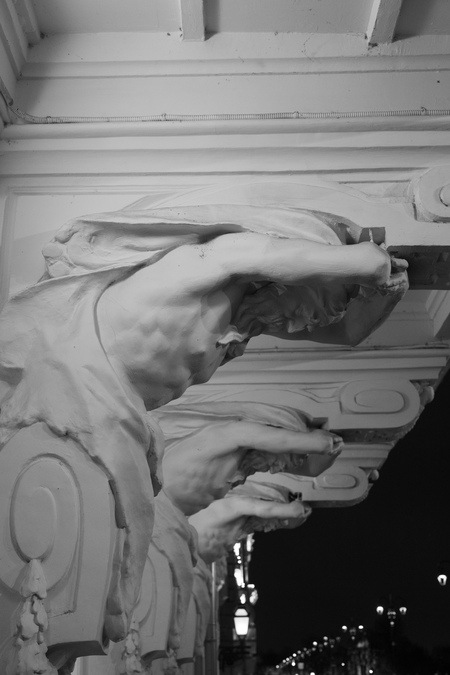
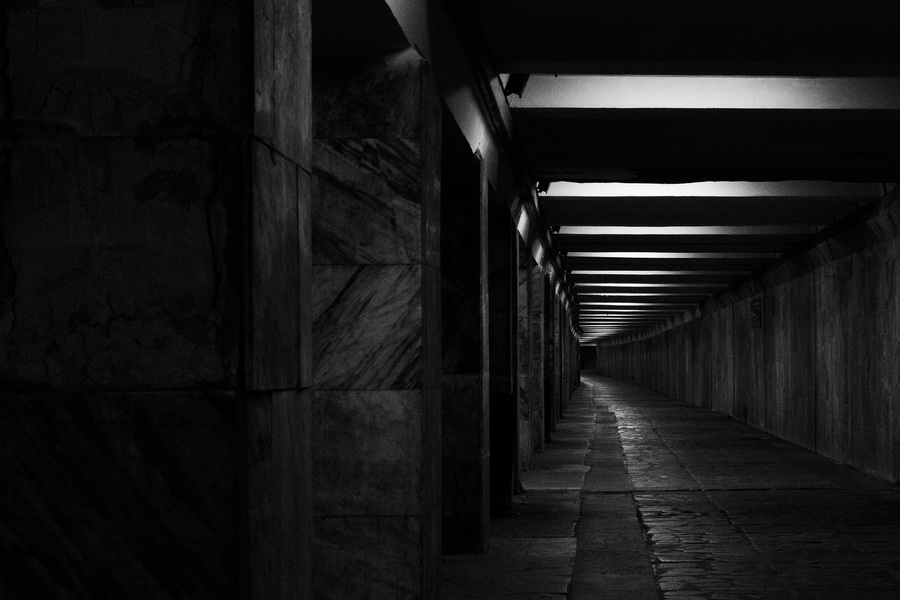
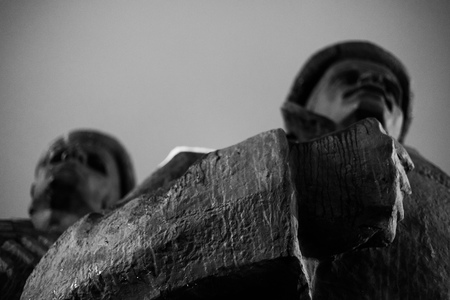
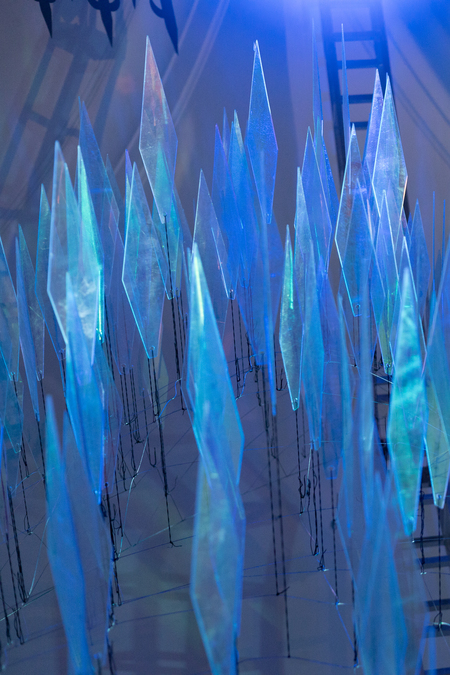
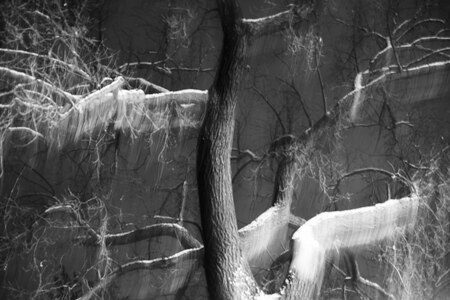
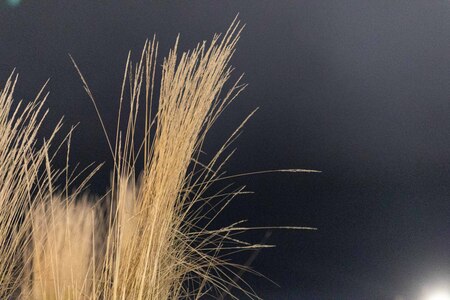
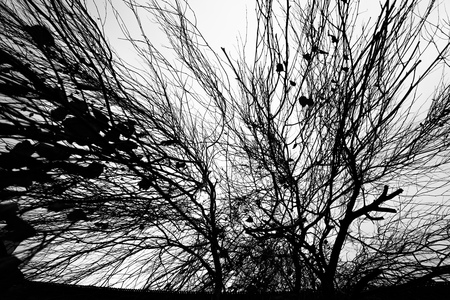
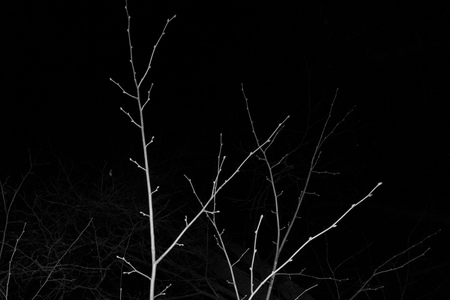
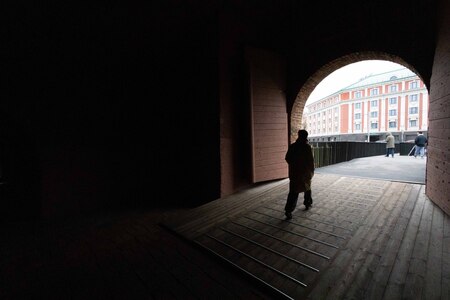
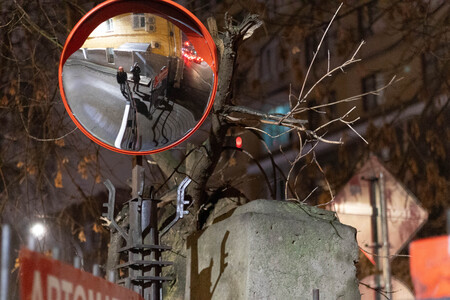
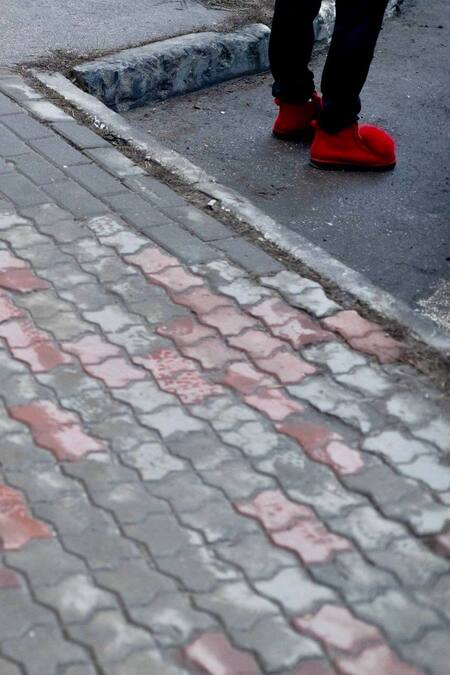
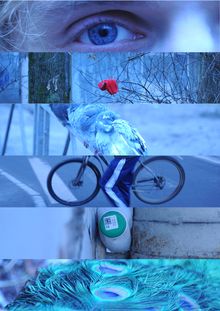
Валя Климова создала фото-проект, исследующий творчество через разговоры с друзьями и наблюдение за миром. Проект представлен в формате зина — небольшого сборника с размером 130х90 мм, позволяющего быстро проследить его содержание.
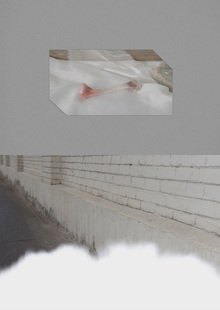
Фотопроект «Кость» автора Насьты Вахрамовой исследует дуальность чувств через образ собаки, сочетающей агрессию и уязвимость. Проект включает цитату Люка Тейманса о нежности в пытке, подчёркивающую тему противоречивых эмоций в его работе.
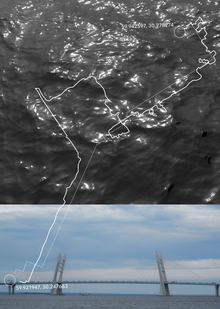
Маргарита Лосева создала перформативную прогулку, вдохновлённую романом Кио Маклир «Птицы Искусство Жизнь: год наблюдений». Проект включает в себя документацию пути, фиксированную с помощью фотографий и GPS-трекера, и отражает переход от заданного маршрута к следованию интуиции.
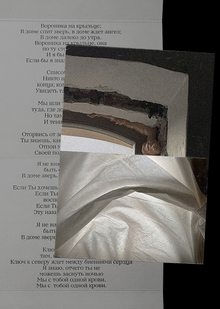
Васса Уманская создала фотозин, посвящённый внутреннему пути и духовному пробуждению по мотивам песни «Северный цвет» группы «Аквариум». Проект включает постановочную сцену, разбитую на фрагменты, визуализирующие состояние героя через символические предметы и образы.
We use cookies to improve the operation of the HSE website and to enhance its usability. More detailed information on the use of cookies can be fou...
Show more
Press space bar to start a drag.
When dragging you can use the arrow keys to move the item around and escape to cancel.
Some screen readers may require you to be in focus mode or to use your pass through key
Press space bar to start a drag.
When dragging you can use the arrow keys to move the item around and escape to cancel.
Some screen readers may require you to be in focus mode or to use your pass through key
Press space bar to start a drag.
When dragging you can use the arrow keys to move the item around and escape to cancel.
Some screen readers may require you to be in focus mode or to use your pass through key
Press space bar to start a drag.
When dragging you can use the arrow keys to move the item around and escape to cancel.
Some screen readers may require you to be in focus mode or to use your pass through key
Press space bar to start a drag.
When dragging you can use the arrow keys to move the item around and escape to cancel.
Some screen readers may require you to be in focus mode or to use your pass through key
Press space bar to start a drag.
When dragging you can use the arrow keys to move the item around and escape to cancel.
Some screen readers may require you to be in focus mode or to use your pass through key
Press space bar to start a drag.
When dragging you can use the arrow keys to move the item around and escape to cancel.
Some screen readers may require you to be in focus mode or to use your pass through key
Press space bar to start a drag.
When dragging you can use the arrow keys to move the item around and escape to cancel.
Some screen readers may require you to be in focus mode or to use your pass through key
Press space bar to start a drag.
When dragging you can use the arrow keys to move the item around and escape to cancel.
Some screen readers may require you to be in focus mode or to use your pass through key
Press space bar to start a drag.
When dragging you can use the arrow keys to move the item around and escape to cancel.
Some screen readers may require you to be in focus mode or to use your pass through key
Press space bar to start a drag.
When dragging you can use the arrow keys to move the item around and escape to cancel.
Some screen readers may require you to be in focus mode or to use your pass through key
Press space bar to start a drag.
When dragging you can use the arrow keys to move the item around and escape to cancel.
Some screen readers may require you to be in focus mode or to use your pass through key