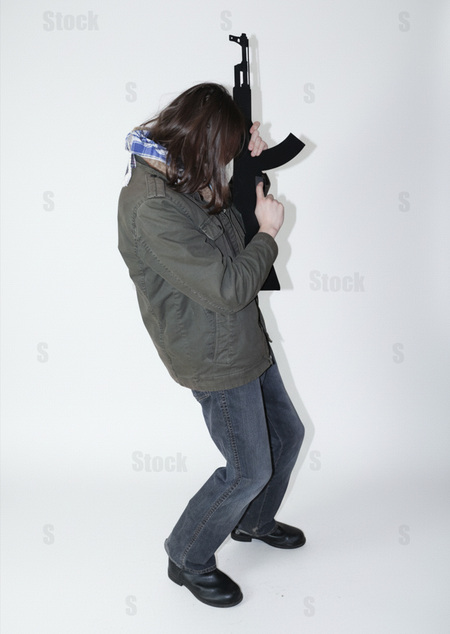
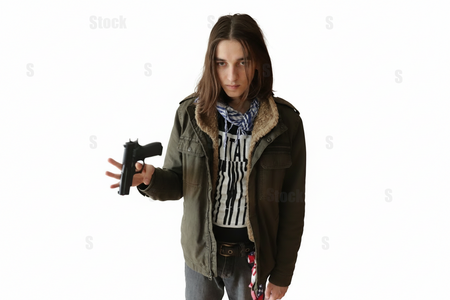
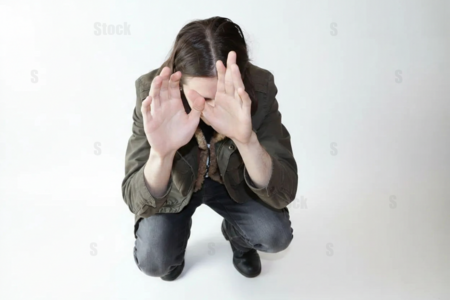
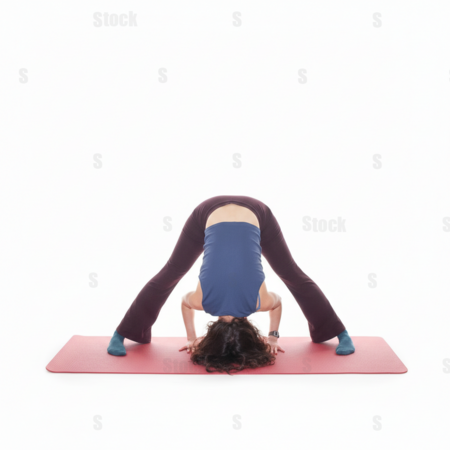
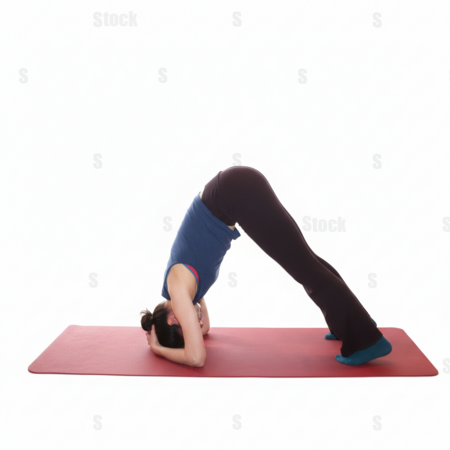
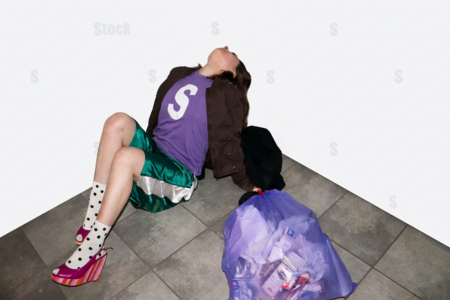
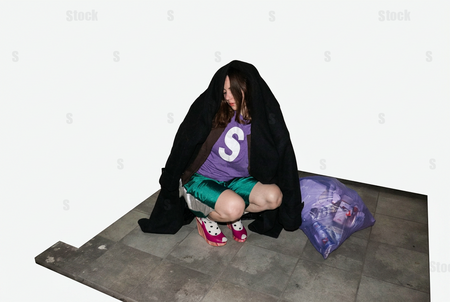
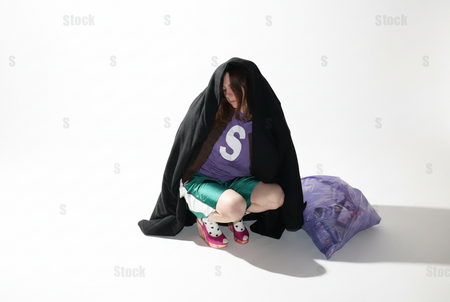
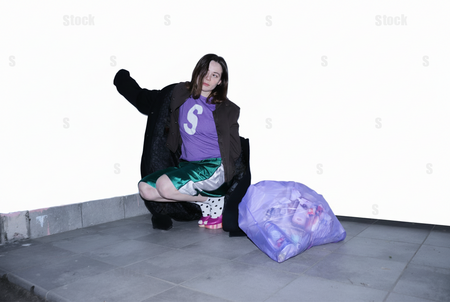
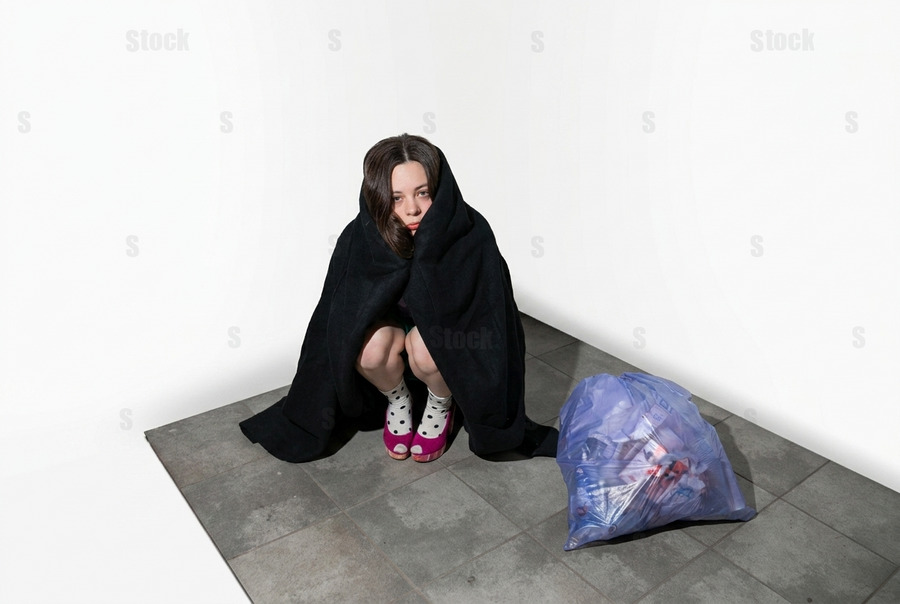
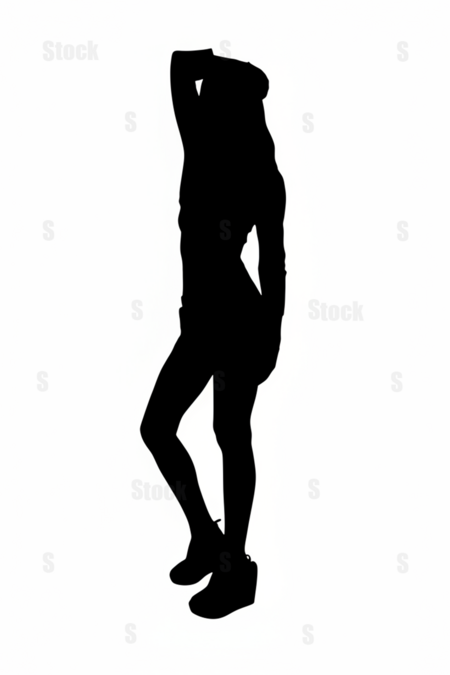
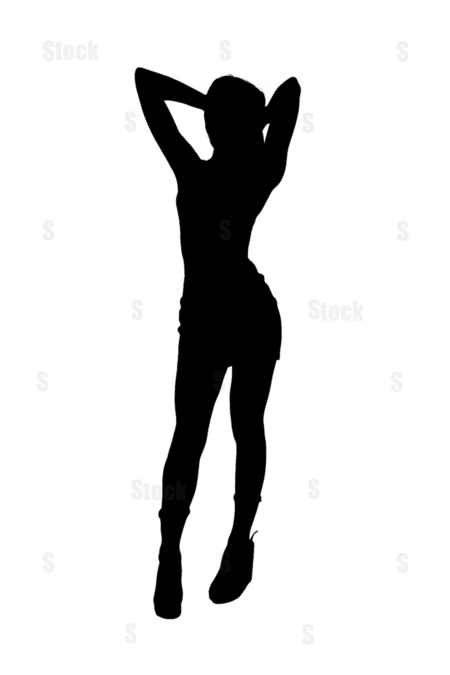
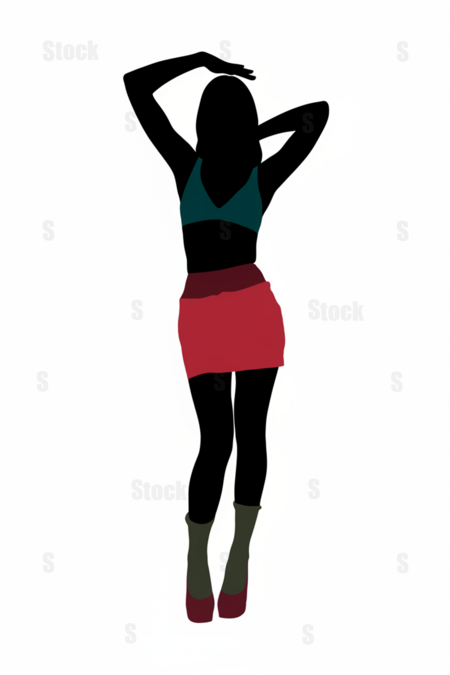
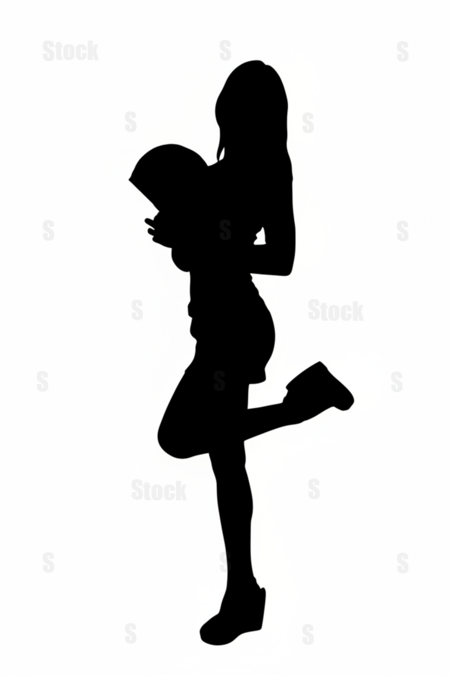
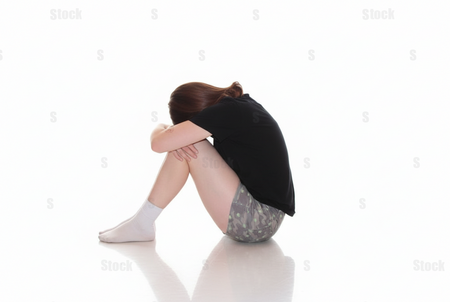
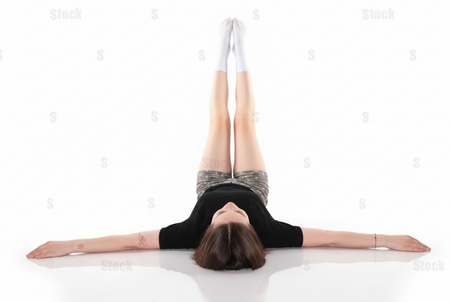
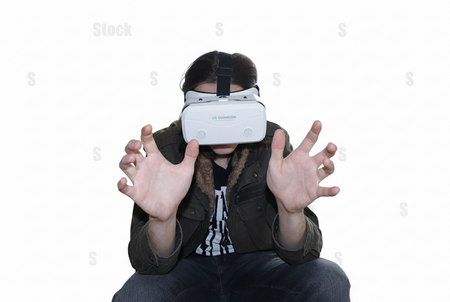
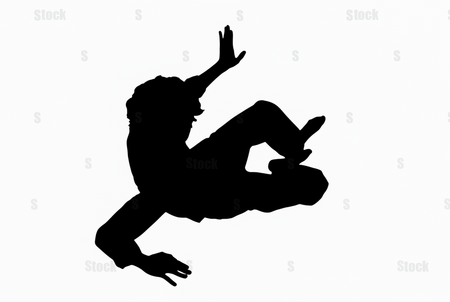
Мой проект — это серия фотографий, стилизованных под стоковые изображения. Все кадры сняты на белом фоне, как будто это типичная коммерческая съемка, но внутри — странные, сюрреалистичные сцены (что свойственно популярным стокам).
В каждой работе есть водяной знак «S», как напоминание о том, что фотография — товар.
Меня интересует сама природа стоковой фотографии — её универсальность, обезличенность и порой непонятность. Я сохраняю форму стока и утрирую содержание.
Таким образом, проект переосмысляет визуальный язык стоков. Он показывает, как привычные образы могут терять свою функцию и становиться чем-то другим — более личным, странным и даже тревожным. Это попытка посмотреть на массовую визуальную культуру со стороны.
Мария Сычева создала серию фотографий, стилизованных под стоковые изображения, с белым фоном и сюрреалистичными сценами. Каждая работа содержит водяной знак «S», подчёркивающий коммерческую природу стоковой фотографии и её утрата авторства и контекста.
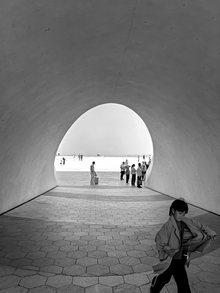
Фотография "Вход" сделана Игорем Крыжко в здании культурного выставочного центра в городе Яньтай (Китай). Проект представляет собой отдельное изображение, запечатлевшее архитектурный объект на "Золотом" пляже.
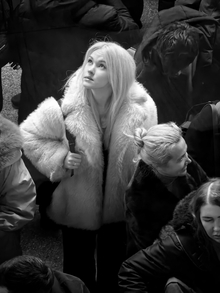
Фотография запечатлела девушку в белом полушубке в аэропорту Краснодара во время зимнего коллапса в январе 2026 года. Игорь Крыжко создал это изображение, отражающее эмоциональный момент ожидания и контраста в условиях массовой задержки рейсов.
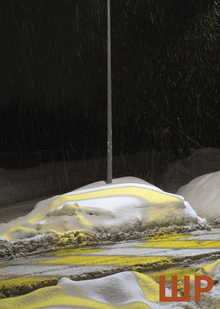
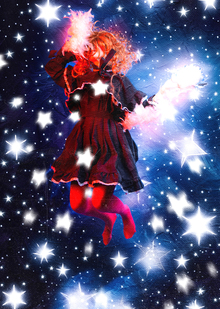
Ксения Гарамова создала цифровой проект, в котором фотографии преобразуются в фантастические сны с помощью искусственного интеллекта. Проект использует Adobe Photoshop для визуализации хрупких фантазий, соединяя студийные снимки с фантастическими ландшафтами в единую вселенную.
We use cookies to improve the operation of the HSE website and to enhance its usability. More detailed information on the use of cookies can be fou...
Show more
Press space bar to start a drag.
When dragging you can use the arrow keys to move the item around and escape to cancel.
Some screen readers may require you to be in focus mode or to use your pass through key
Press space bar to start a drag.
When dragging you can use the arrow keys to move the item around and escape to cancel.
Some screen readers may require you to be in focus mode or to use your pass through key
Press space bar to start a drag.
When dragging you can use the arrow keys to move the item around and escape to cancel.
Some screen readers may require you to be in focus mode or to use your pass through key
Press space bar to start a drag.
When dragging you can use the arrow keys to move the item around and escape to cancel.
Some screen readers may require you to be in focus mode or to use your pass through key
Press space bar to start a drag.
When dragging you can use the arrow keys to move the item around and escape to cancel.
Some screen readers may require you to be in focus mode or to use your pass through key
Press space bar to start a drag.
When dragging you can use the arrow keys to move the item around and escape to cancel.
Some screen readers may require you to be in focus mode or to use your pass through key
Press space bar to start a drag.
When dragging you can use the arrow keys to move the item around and escape to cancel.
Some screen readers may require you to be in focus mode or to use your pass through key
Press space bar to start a drag.
When dragging you can use the arrow keys to move the item around and escape to cancel.
Some screen readers may require you to be in focus mode or to use your pass through key
Press space bar to start a drag.
When dragging you can use the arrow keys to move the item around and escape to cancel.
Some screen readers may require you to be in focus mode or to use your pass through key
Press space bar to start a drag.
When dragging you can use the arrow keys to move the item around and escape to cancel.
Some screen readers may require you to be in focus mode or to use your pass through key
Press space bar to start a drag.
When dragging you can use the arrow keys to move the item around and escape to cancel.
Some screen readers may require you to be in focus mode or to use your pass through key