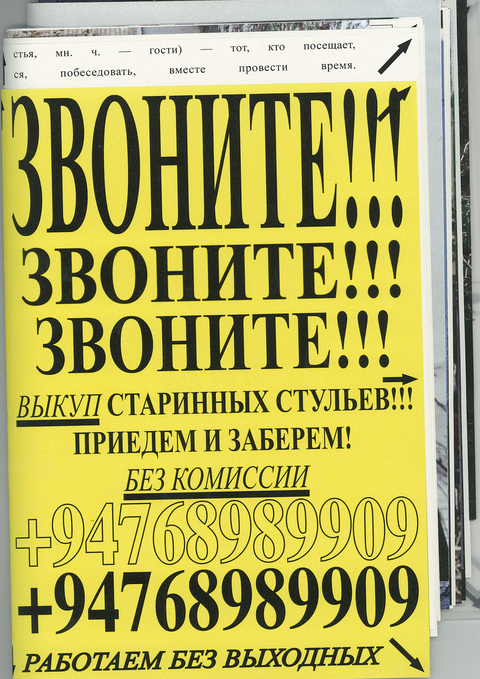
Зин «Гость» — диалог с пустотой. Медиум, через который происходит диалог, являются работы художника Олега Голода.
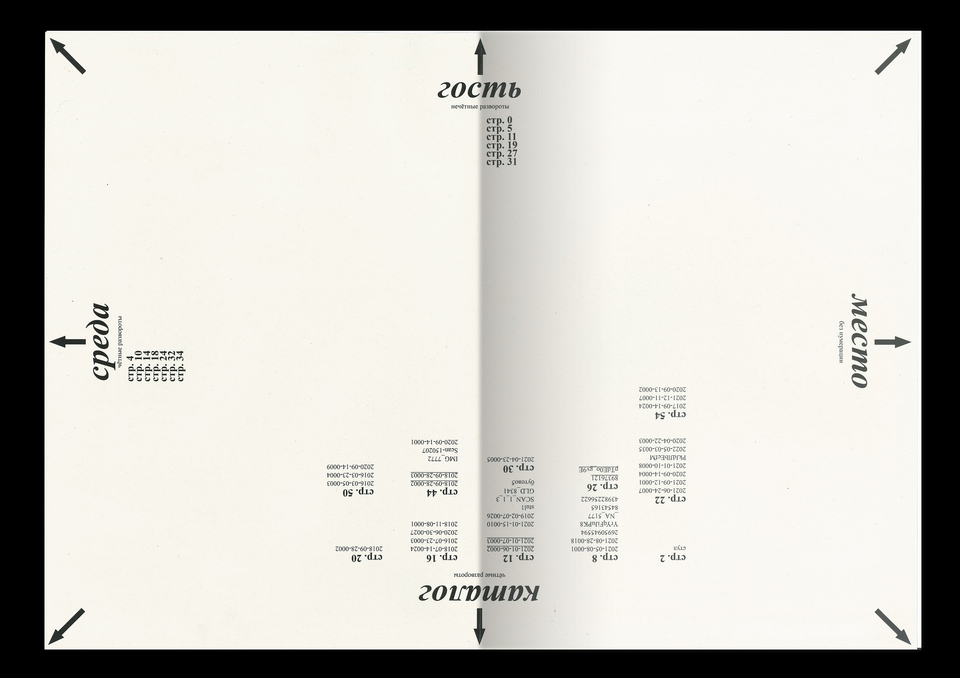
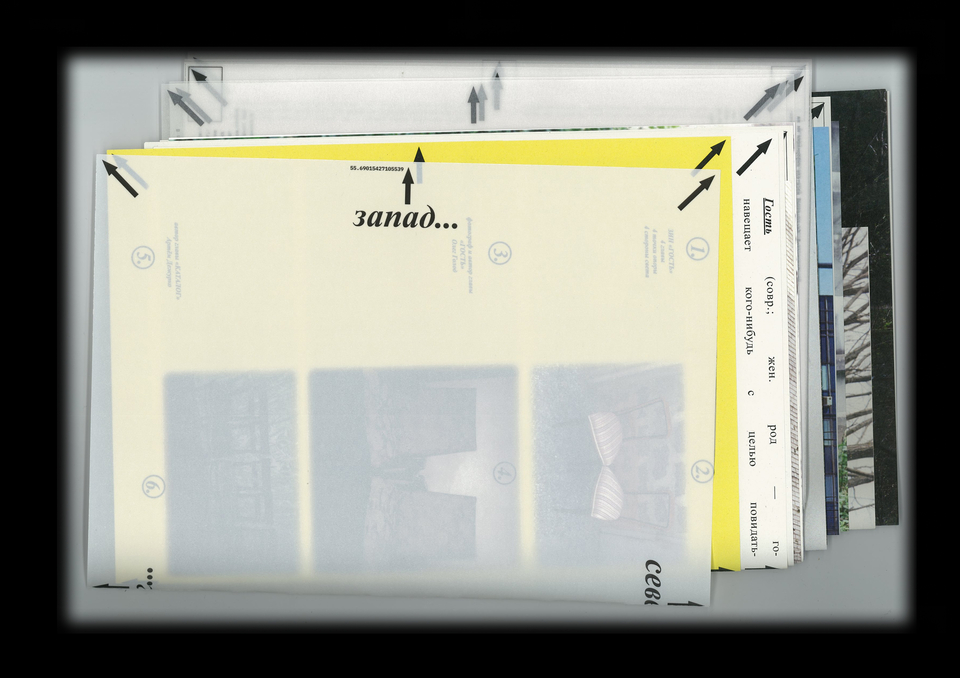
Метафора зина: стороны света, ориентация в пространстве. Каждая глава привязана к стороне света. 4 главы, 4 стороны света, 4 точки опоры.
Зин не имеет крепления, развороты соединяются между собой случайным образом. Постоянно пополняемая история. Читателю предлагается составить свой маршрут путешествия, интуитивно соединив развороты.
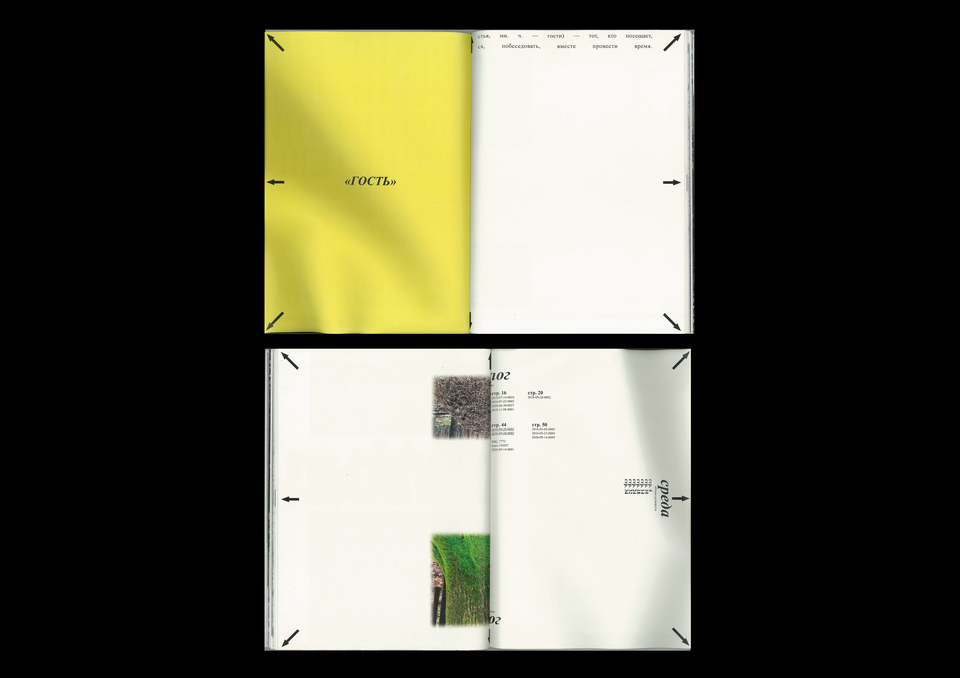
Глава «Гость». Напечатана на кальке. Рефлексия художника о месте. Ускользающее ощущение присутствия. Каждый отрывок текста тоже привязан к сторонам света.
Глава «Каталог». Попытка расшифровать фотографии стульев, каталогизировать их.
Типичные развороты. Ощущение неидеального каталога со съехавшей сеткой и укрупненным шрифтом, ассиметричные поля.
Глава «Среда». Моя рефлексия про визуальную среду, где территориально сделано большинство фотографий. В основном коммуникация в этой среде построена на том, чтобы что-то потребить/продать. Имитация.
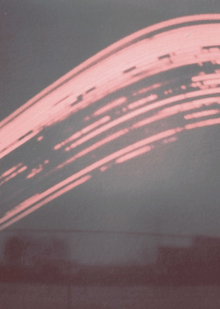
Глава «Место». Фотографии художника (снимает на плёнку и на разные фотоаппараты). Все кадры разноформатные и это единственная глава, которая имеет нефиксированный формат. Честность к кадру.
Каждый кадр можно вытащить из зина и повесить на стену.
Фотографии сделаны в местах, куда очень сложно попасть. Эти места вдали от привычного маршрута. Только интуиция и ощущение пространства является тем маяком, который позволит тебе вернуться.